Setting up the monitor │ 57
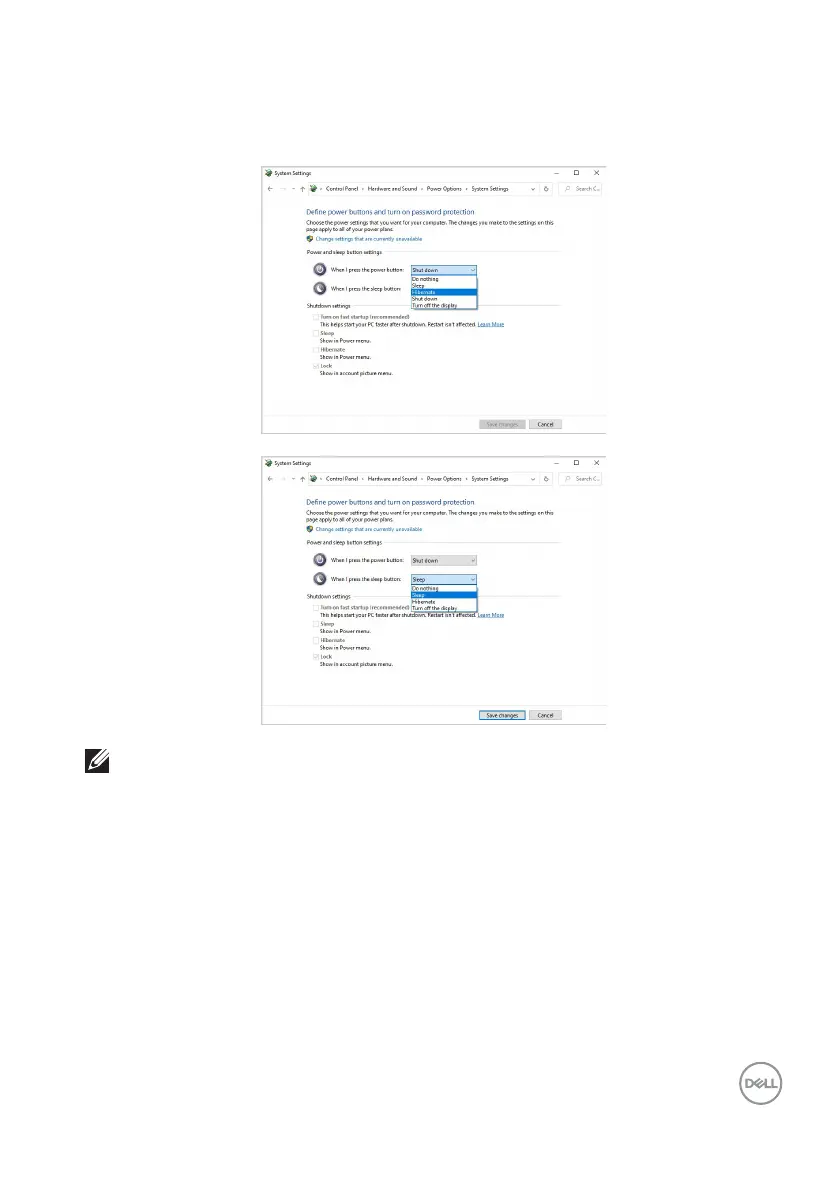
4. In the drop-down menu of When I press the power button, there are a few
options for selection, namely Do nothing/Sleep/Hibernate/Shut down.
You can select Sleep/Hibernate/Shut down.
NOTE: Do not select “Do nothing”, otherwise the monitor power button
will not be able to sync with PC system power state.



 To Next Page