Operating the monitor │ 73
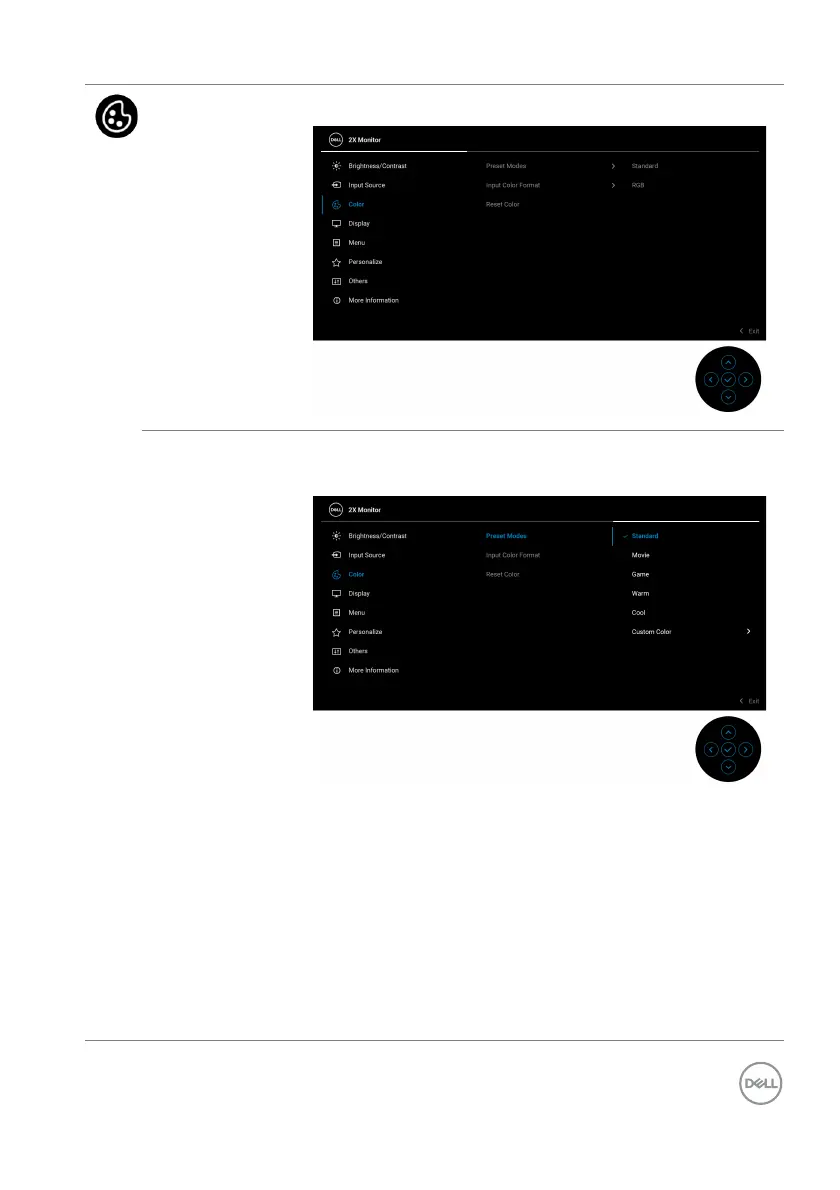
Color Adjusts the color setting mode.
Preset Modes Allows you to choose from the list of preset color
modes. Press the joystick to confirm the selection.
• Standard: This is the default setting. Using a low
blue light panel, this monitor is certified by TÜV to
reduce blue light output and create more relaxing
and less stimulating images.
• Mo
vie: Loads color settings ideal for movies.
• Game: L
oads color settings ideal for most gaming
applications.
• Wa
rm: Presents colors at lower color temperatures.
The screen appears warmer with a red/yellow tint.



 To Next Page