Operating the monitor │ 79
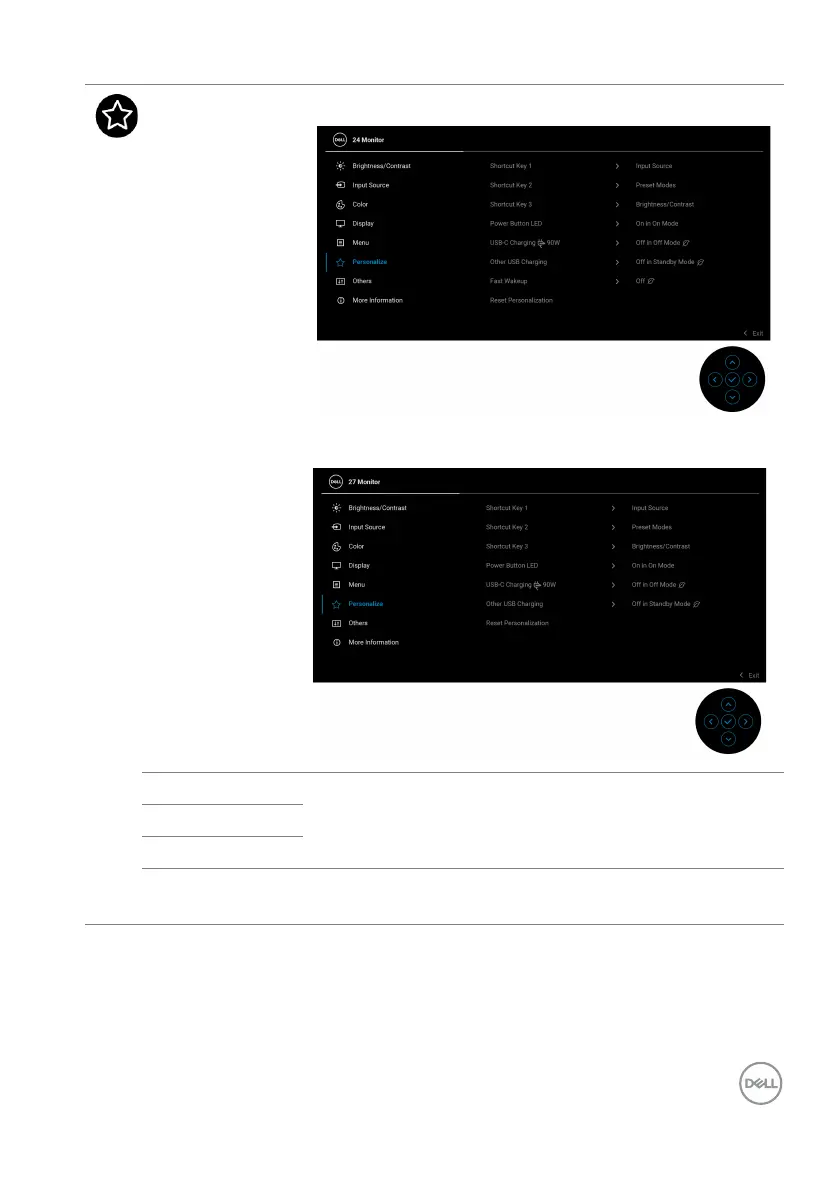
Personalize P2425HE/P2425HE WOST/P2425E
P2725HE/P2725HE WOST
Shortcut Key 1
Select a function from Pr
eset Modes, Brightness/
Contrast, Input Source, Aspect Ratio, Rotation, or
Display Info and set it as a shortcut key.
Shortcut Key 2
Shortcut Key 3
Power Button
LED
Allows you to set the state of the power light to save
ener
gy.



 To Next Page