64 | Operating the monitor
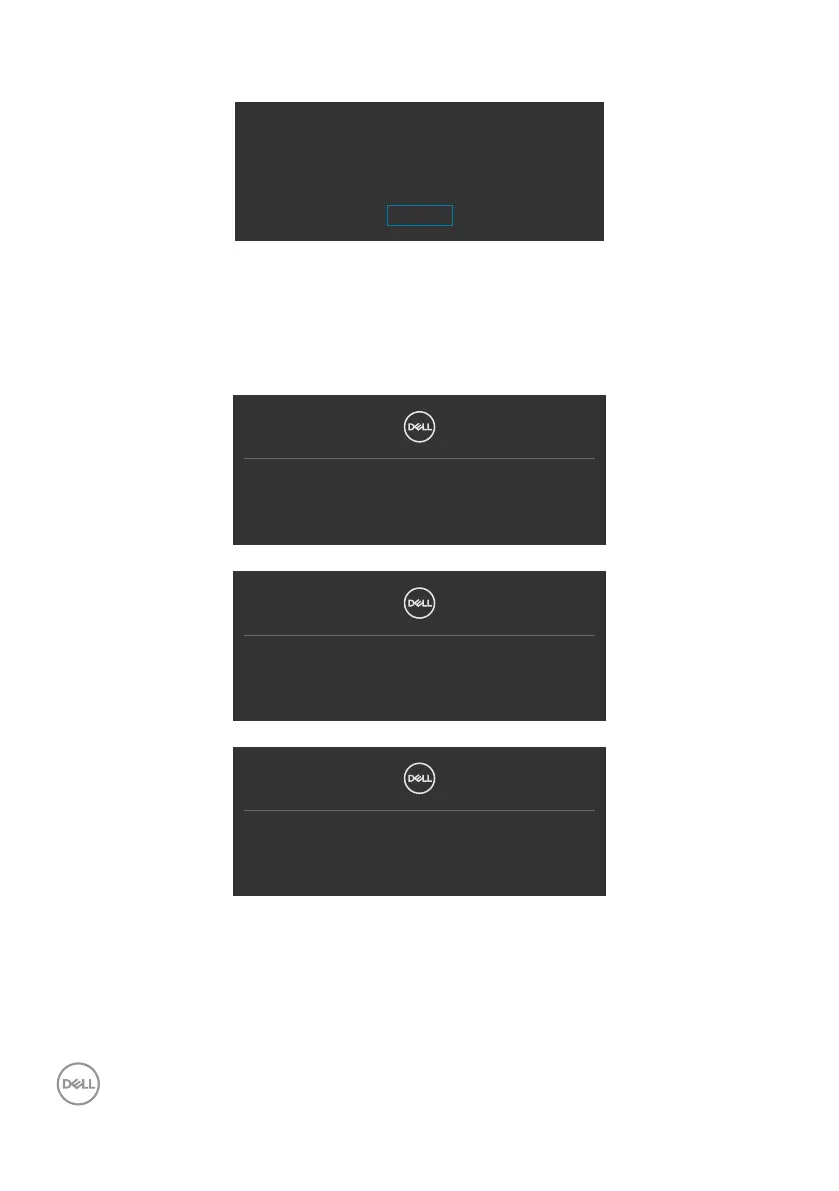
If adjust the Brightness level above the default level over 75%, the following message
will appear:
Adjusting to this value will increase power consumption above the default level.
Do you want to continue?
Yes
No
• When user selects “Yes”, the power message is displayed only once.
• When user select ‘No’, the power warning message will pop-up again.
• The power warning message will appear again only when the user does a Factory
Reset from the OSD menu.
If either VGA, DP, HDMI input is selected and the corresponding cable is not
connected, a floating dialog box as shown below appears.
No VGA Cable
The display will go into Standby mode in 4 minutes.
www.dell.com/P2722H
or
No DP Cable
The display will go into Standby mode in 4 minutes.
www.dell.com/P2722H
or
No HDMI Cable
The display will go into Standby mode in 4 minutes.
www.dell.com/P2722H
See Troubleshooting for more information.



 To Next Page