44 │ Operating the monitor
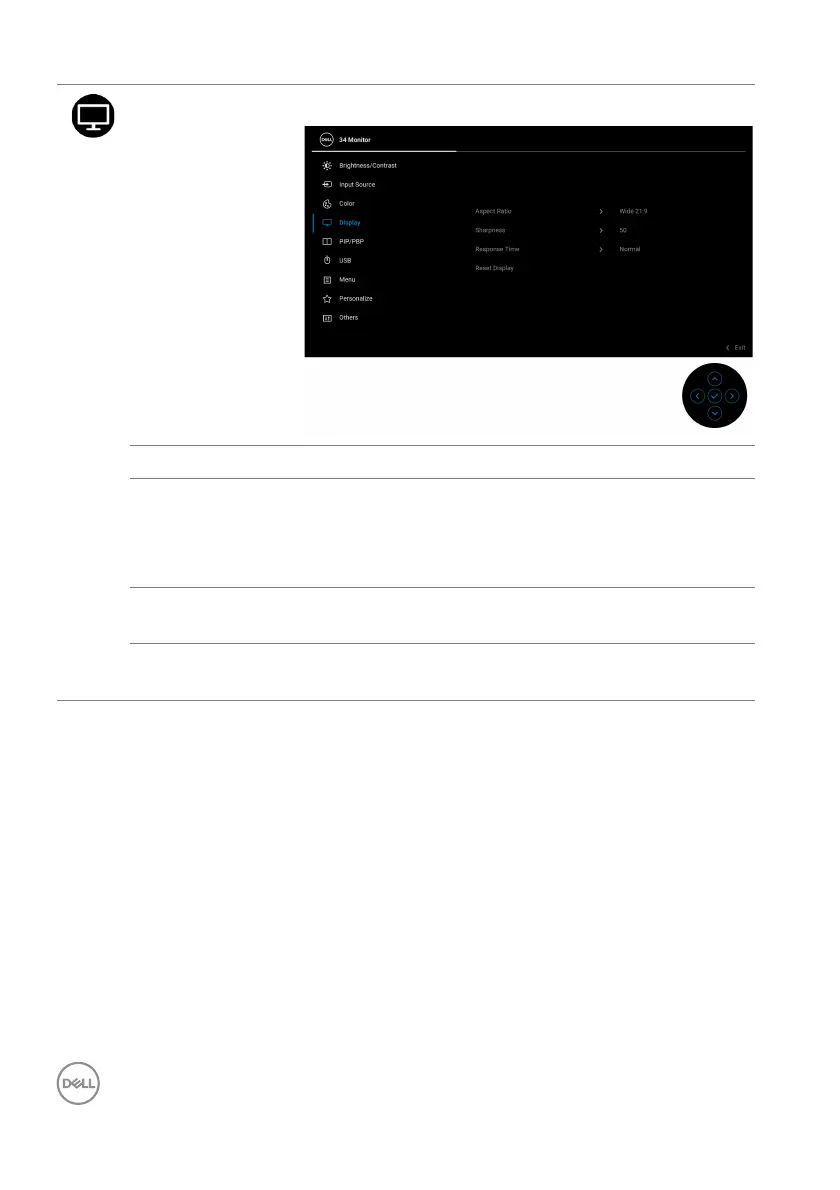
Display Use the Display menu to adjust images.
Aspect Ratio Adjusts the image ratio to Wide 21:9, 4:3, or 5:4.
Sharpness This feature can make the image look sharper or
so
fter.
Move the joystick to adjust the sharpness level from
'0'
to '100'.
Response Time Allows you to set the Re
sponse Time to Normal or
Fast.
Reset Display Resets all display settings to the factory preset
v
alues.



 To Next Page