56 │ Operating the monitor
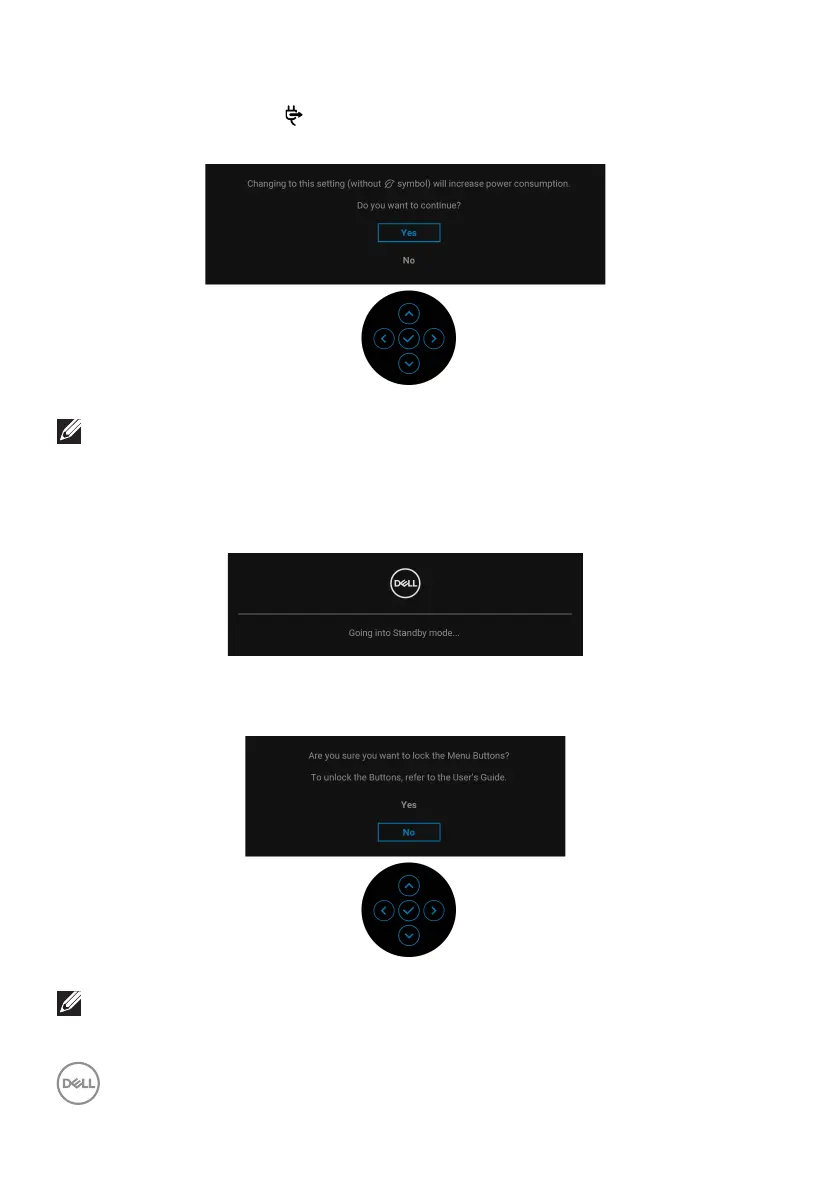
When you change the default setting of power saving features for the first time,
such as USB-C Charging
65W, Other USB Charging, or Fast Wakeup, the
following message appears:
NOTE: If you select Yes for either of the features mentioned above, the
message will not appear next time when you intend to change the
settings of these features. When you perform a factory reset, the
message will appear again.
When the monitor goes into Standby
mode, the following message appears:
Activate the computer and wake up the monitor to gain access to the OSD.
You will see the following message before the Lo
ck function is activated:
NOTE: The message may be slightly different according to the selected
settings.


 To Next Page