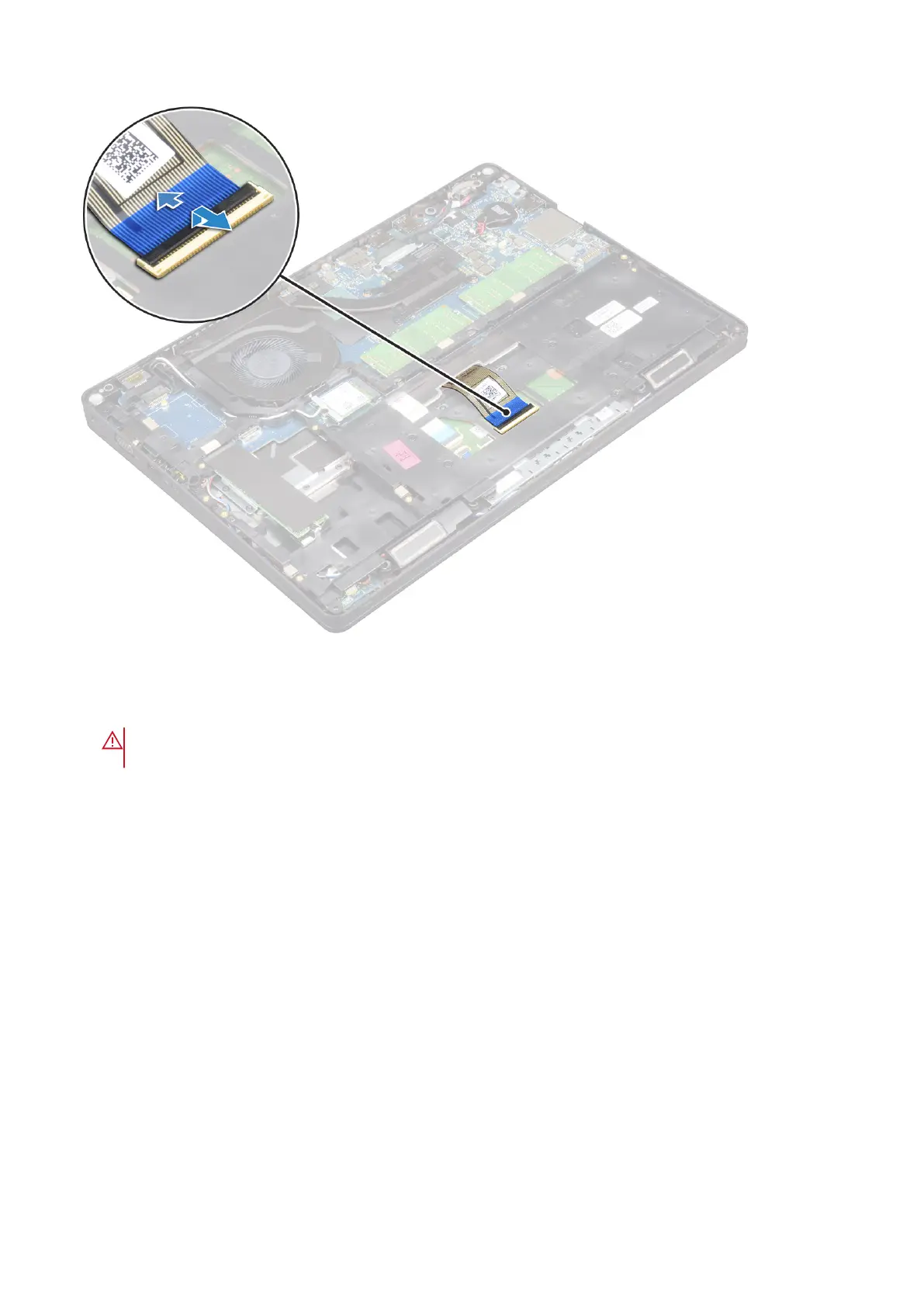
4. Turn over the computer and open the display.
5. To remove the keyboard:
a. Remove the M2*2 screws that secure the keyboard to the computer [1].
b. Pry the keyboard from the edge and lift it away from the computer [2].
WARNING:
Make sure you pull the keyboard cable routed under the computer to avoid any damage to the
keyboard cable.
30 Removing and installing components



 To Next Page