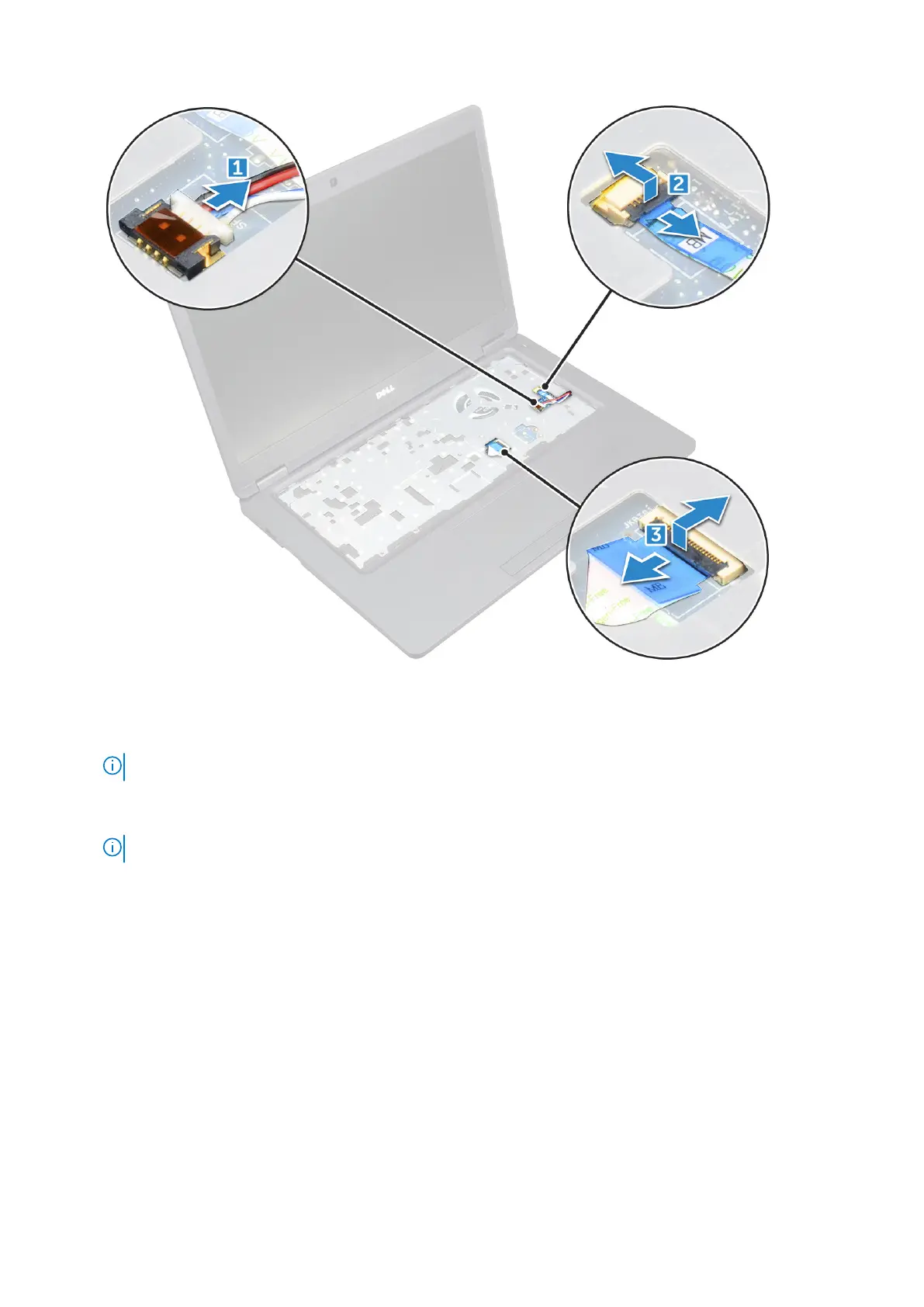
4. To release the system board:
a. Remove the M2*2 screw that secures the display cable [1].
b. Lift the metal bracket that secures the display cable [2].
c. Disconnect the display cable from the connectors on the system board [3].
NOTE: This step is applicable only for IR camera.
d. Disconnect the power connector port cable from the connector on the system board [4].
e. Remove the M2*2 screws that secure the metal bracket[5] .
NOTE: The metal bracket secures the DisplayPort over USB Type-C.
f. Lift the metal bracket away from the system board [6].
38
Removing and installing components



 To Next Page