If the power button has a fingerprint reader, place your finger on the power button to log in.
NOTE: You can customize power-button behavior in Windows. For more information, see Me and My Dell at
www.dell.com/support/manuals.
NOTE: The power-status light on the power button is available only on computers without the fingerprint reader.
Computers shipped with the fingerprint reader integrated on the power button will not have the power-status light on
the power button.
NOTE: To reset the battery, press and hold the power button for 25 seconds.
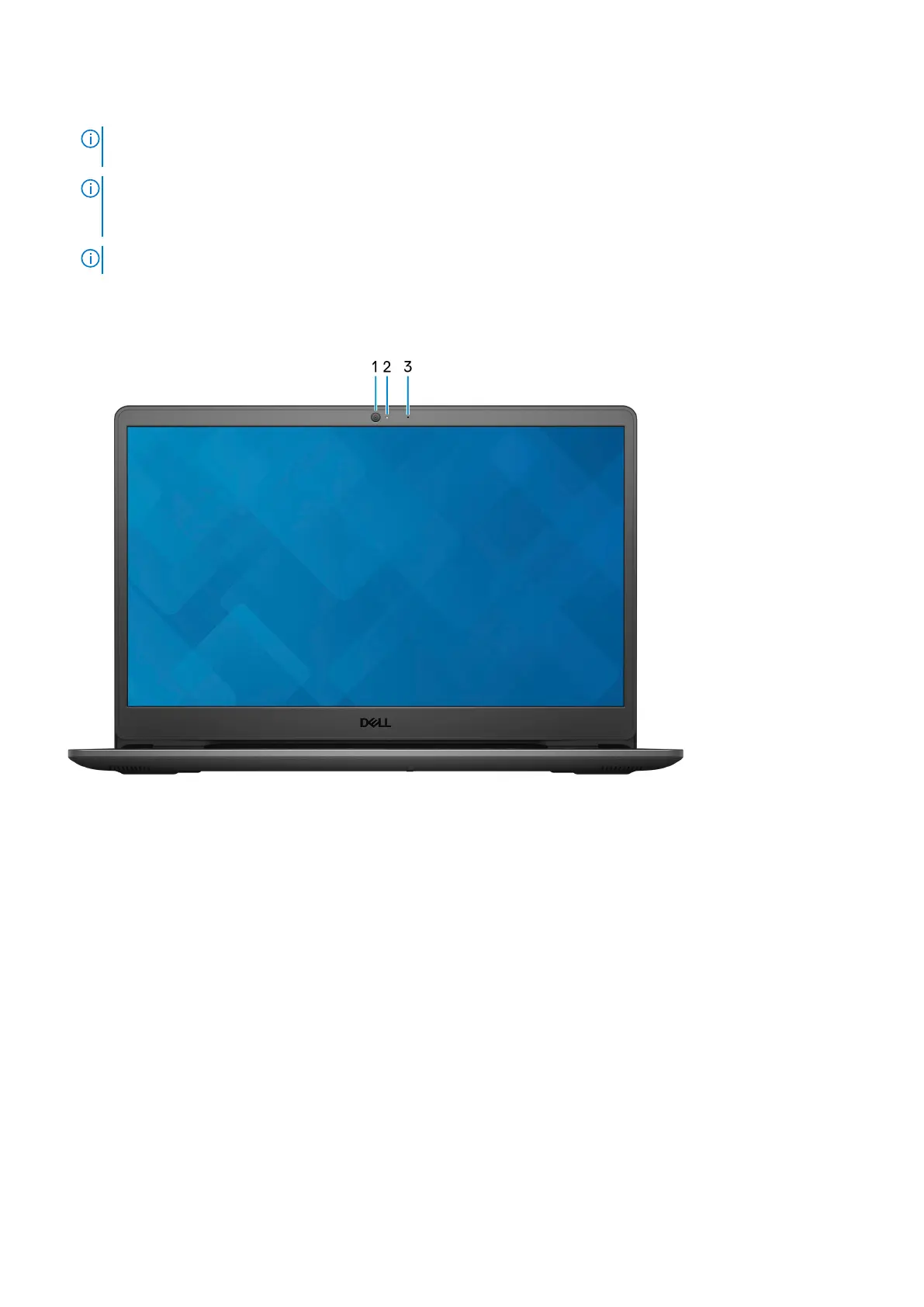
Display
1. Camera
Enables you to video chat, capture photos, and record videos.
2. Camera-status light
Turns on when the camera is in use.
3. Microphone
Provides digital sound input for audio recording, voice calls, and so on.
8
Views of Inspiron 3501



 To Next Page