EasyManua.ls Logo

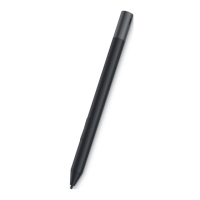
Dell PN9315A - Setting up your PN9315 A; Connecting and charging your device

Dell PN9315A
18 pages
Print Icon
To Next Page IconTo Next Page
To Previous Page IconTo Previous Page
Loading...
Setting up your PN9315A
7
3
Setting up your PN9315A
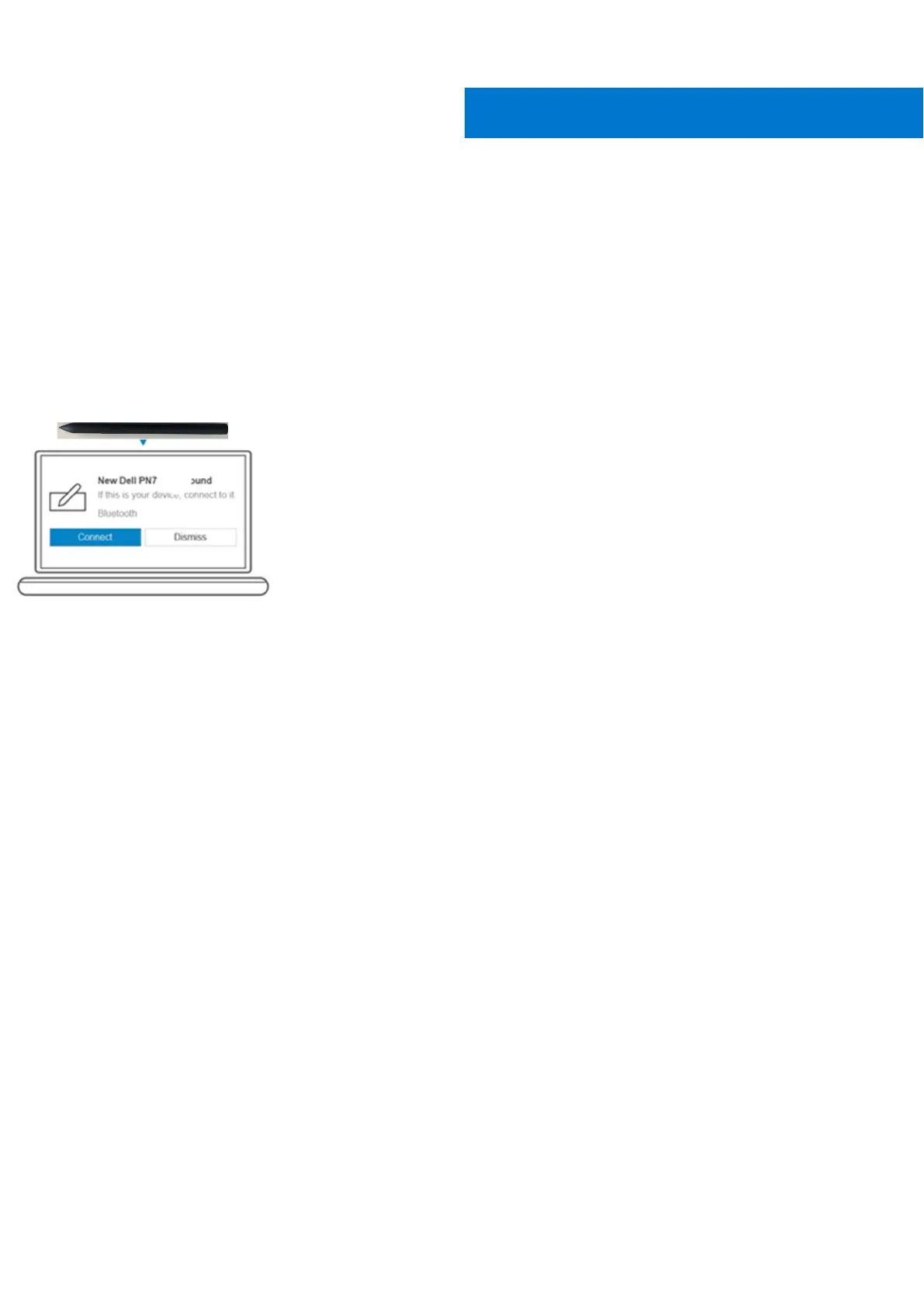
Connecting and charging your device
Connecting your pen to the computer is needed to activate the pen and disable shipping mode. Without performing this step,
your pen will not work.
1.
T
o
c
h
a
r
g
e
y
ou
r
PN9315A
,
c
onn
e
c
t
t
o top of the
tablet.
2.
Wh
e
n
y
ou
c
onn
e
c
t
y
ou
r
PN9315A
t
o
y
ou
r
t
a
b
l
e
t
a
p
r
o
mp
t
w
ill
a
pp
e
a
r
t
o
es
t
a
b
li
s
h
a
B
l
u
e
t
oo
t
h
p
a
i
r
i
n
g
.
3.
Click on Connect to confirm the Bluetooth pairing.
NOTE: Continue to leave your PN9315A connected to the table till its battery is fully charged.

Related product manuals