Enhanced management of the M1000e
Simplifying blade server and I/O connectivity
The M1000e blade enclosure helps reduce
the cost and complexity of managing
computing resources with innovative
management features.
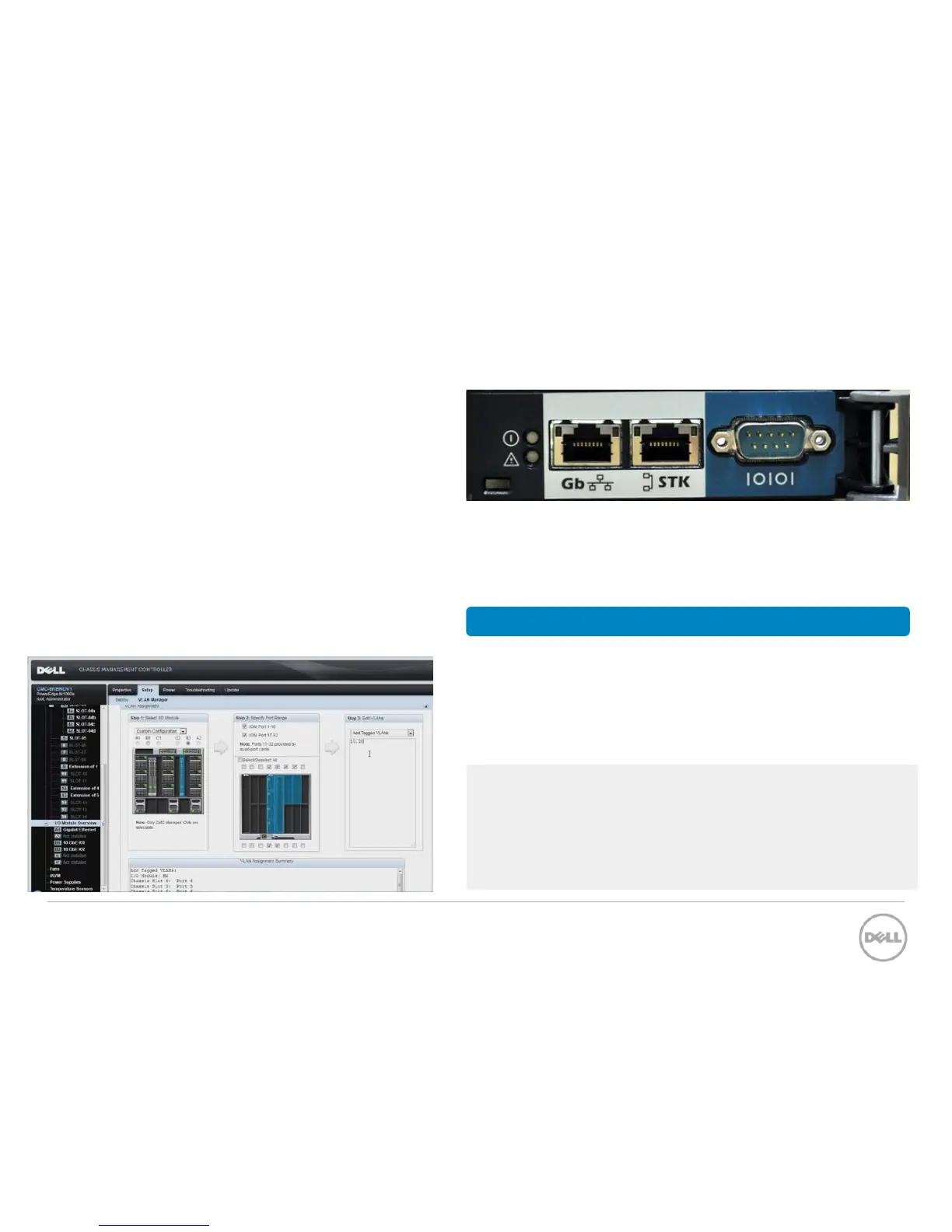
The Chassis Management Controller (CMC)
is an integrated hardware module with
embedded system management. The
simplified software interface, pictured below,
gives administrators greater control of the
chassis components and automates tasks to
improve monitoring and management.
Pictured above, the Dell Chassis Management Controller (CMC)
is a hot-pluggable hardware module that resides in the back of
a Dell blade chassis and allows you to manage up to nine fully
loaded Dell blade server chassis using a robust management
software system.
• Inventory of servers, I/O modules, & iDRAC cards
• Perform configuration and monitoring tasks
• Back up, clone settings and apply BIOS profiles
• Remotely power on or off blades
• Configure power and thermal settings
• Receive email or alert notifications if errors arise
CMC features
CMC software provides configuration of:
• Network and security settings of the M1000e
• Power redundancy & power ceiling settings
• I/O switches and iDRAC network settings
• First boot device on the server blades
• User access security
52
Dell M-Series Blade I/O Guide












 To Next Page