6 Quick Reference Guide
• How to remove and replace parts
• Specifications
• How to configure system settings
• How to troubleshoot and solve problems
User’s Guide
Microsoft Windows Help and Support Center
1
Click
Start
or
→
Help and Support
→
Dell User
and System Guides
→
System Guides
.
2
Click the
User’s Guide
for your computer.
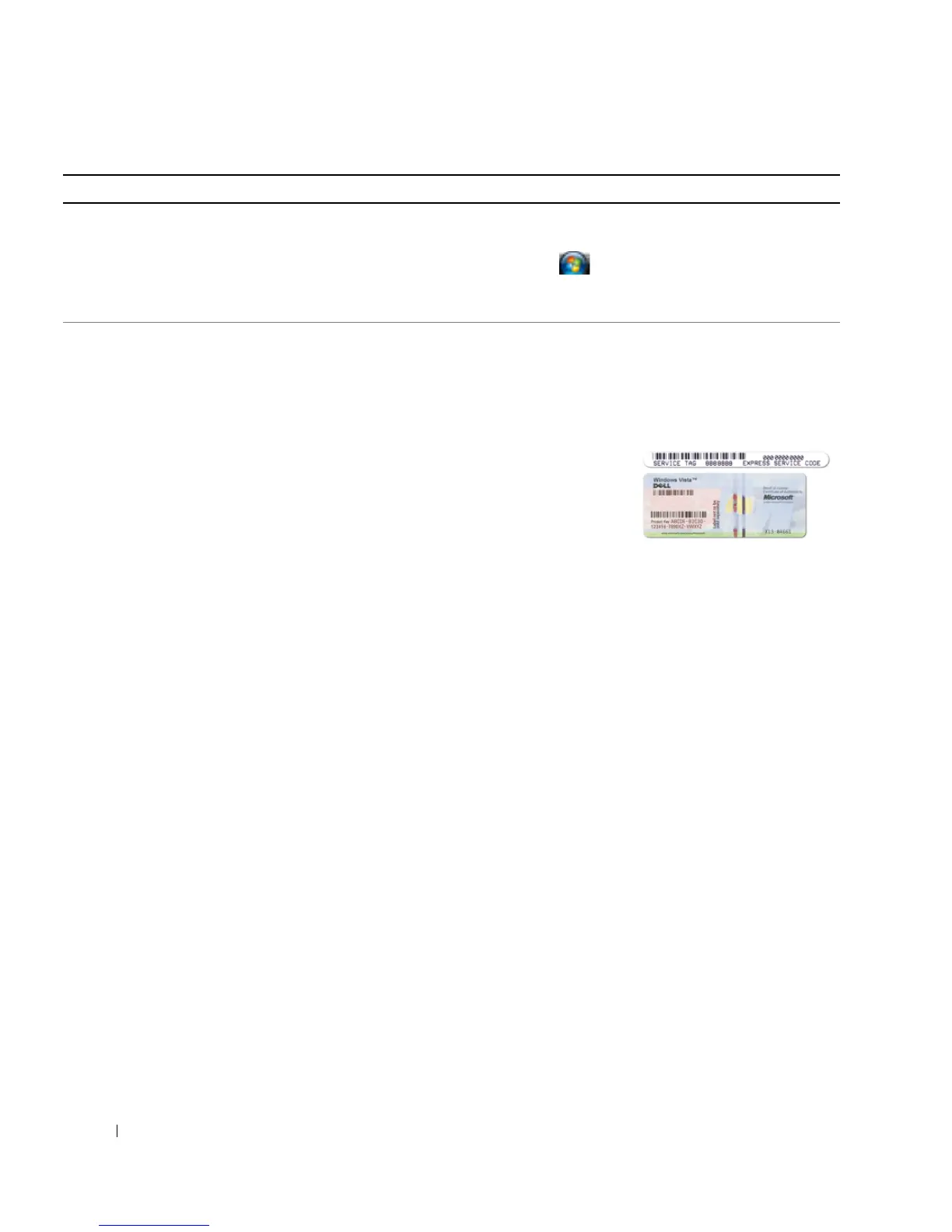
• Service Tag and Express Service Code
• Microsoft Windows License Label
Service Tag and Microsoft
®
Windows
®
License
These labels are located on your computer.
• Use the Service Tag to identify your computer when you
use
support.dell.com
or contact support.
• Enter the Express
Service Code to direct
your call when
contacting support.
NOTE: The Microsoft
Windows License label has been redesigned with a hole, or
"security portal," as an increased security measure.
What Are You Looking For? Find It Here



 To Next Page