16 Using the Dell™ E-Port
Undocking Your Laptop
1
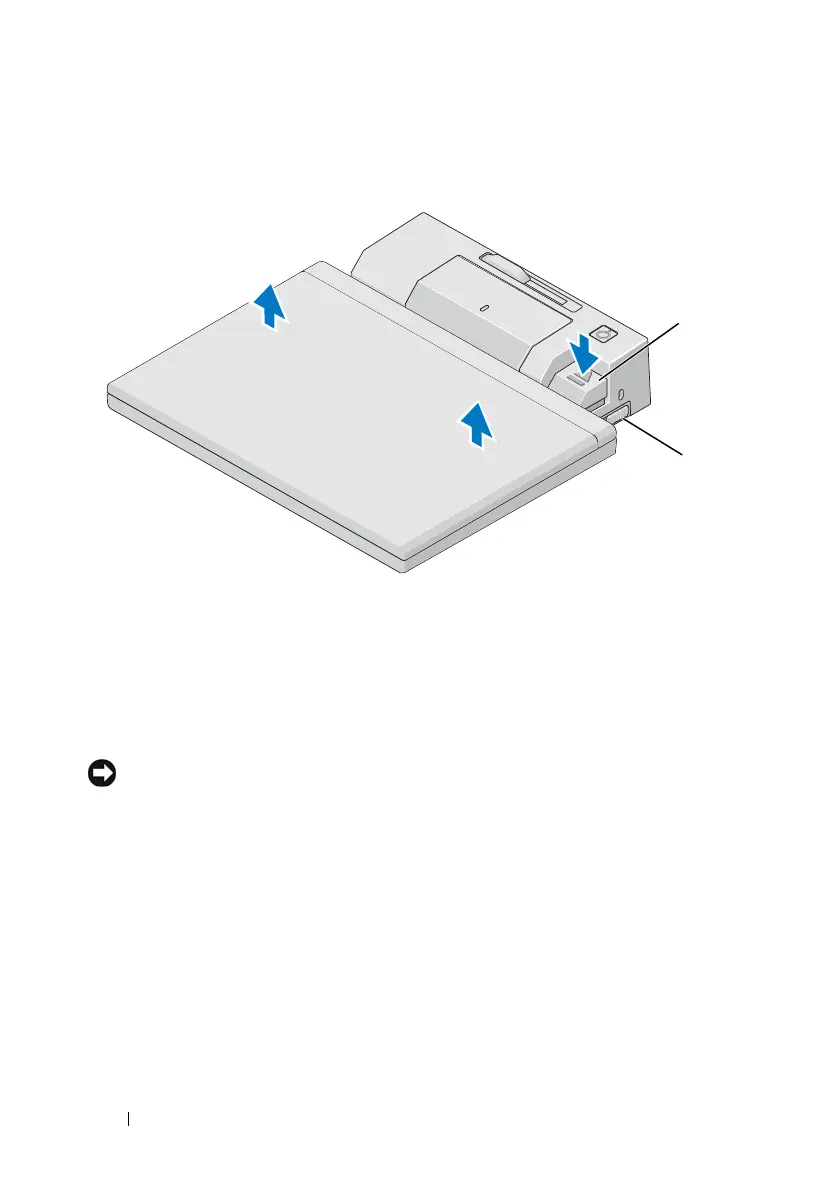
Push the lock/unlock switch toward the back of the E-Port to unlock it.
2
Press the eject button to undock the laptop from the E-Port, then lift the
laptop away from the E-Port.
NOTICE: Do not pick up the laptop or the E-Port when the laptop is docked. Doing
so can damage the connectors on the laptop and on the E-Port.
1 eject lever 2 lock/unlock switch
2
1















 To Next Page