36 | Operating the monitor
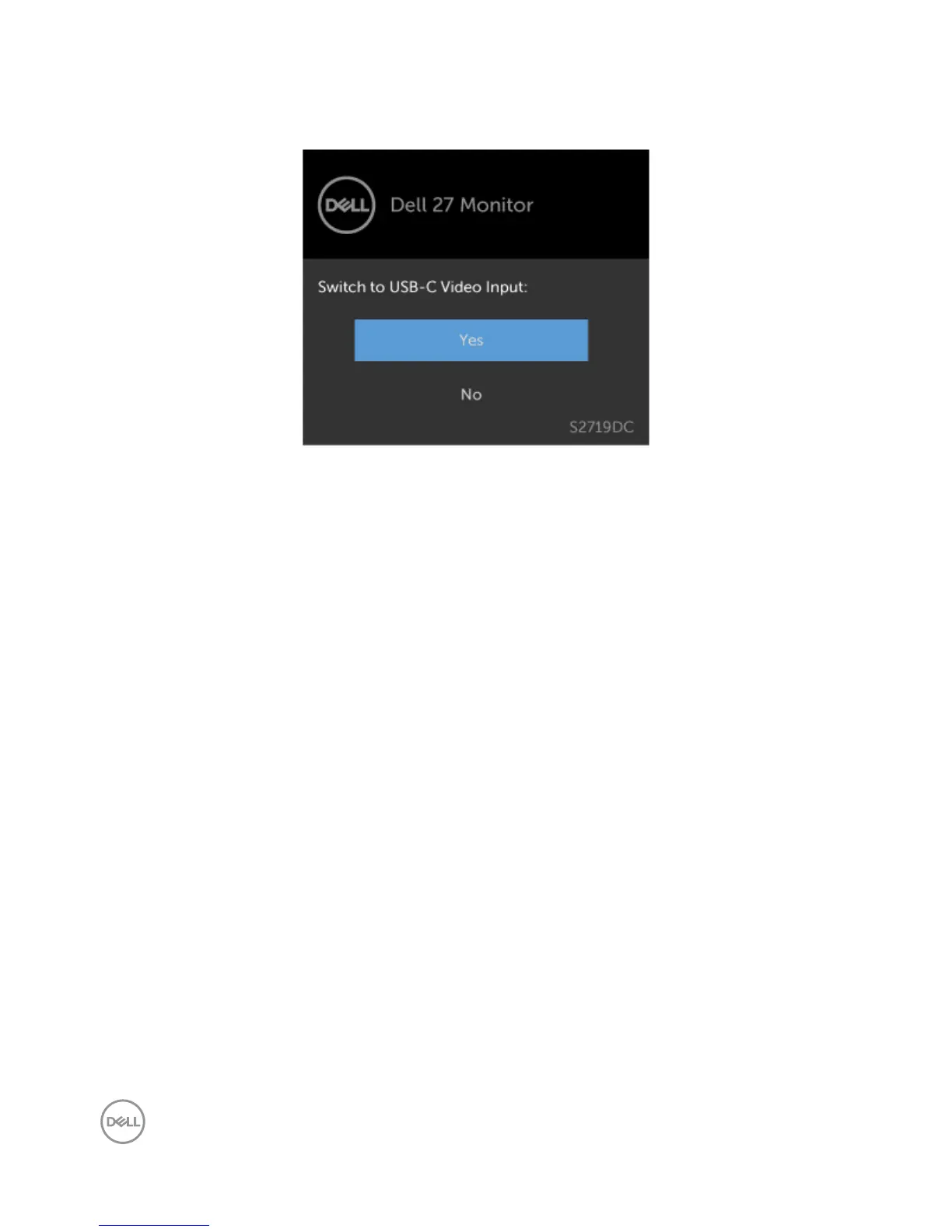
A message is displayed while the cable supporting DP alternate mode is connected to the
monitor under the following conditions:
• When Auto Select for USB-C is set to Prompt for Multiple Inputs.
• When the HDMI cable is connected to the monitor.
See Troubleshooting for more information.


 To Next Page