SB522A’s button behavior on some
popular communication software
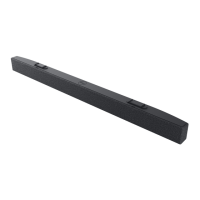
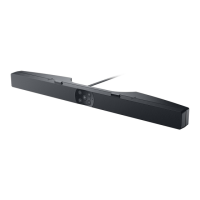
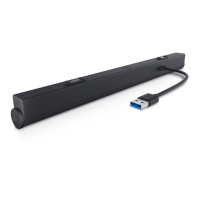
Dell SB522A is designed for easy accessibility to Microsoft Teams.
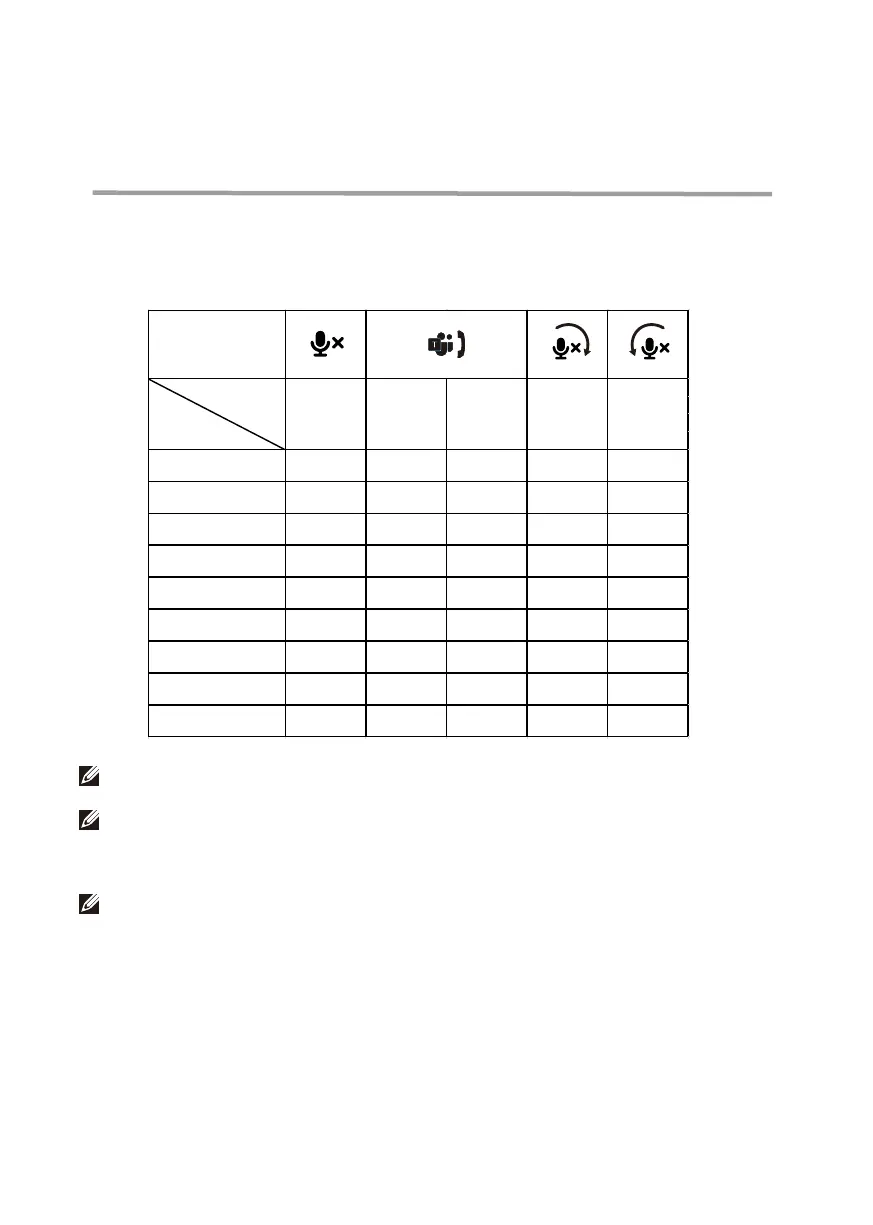
The table below provides details on the behavior of the sound bar on popular
communication platforms:
NOTE: OK* Mic. control button functions on the applications but may not sync with the app UI
NOTE: OK** Answer/ End call button has 2 di°erent states:
1. Reject call - Long press Answer/ End call button for one second on speakerphone
2. End an ongoing call via Zoom App
NOTE: X* End call by short pressing the Answer/ End call button, user cannot reject a call
Buttons
Microsoft Teams OK OK OK OK OK
Skype for Business OK OK X* OK OK
Zoom OK OK OK** OK OK
Google Meet
OK* X X OK OK
Cisco Webex OK* X X OK OK
FaceTime OK* X X OK OK
Slack OK* X X OK OK
GoToMeeting OK* X X OK OK
BlueJeans OK* X X OK OK
Accept Call
End/ Reject
Call
Volume Up Volume down
Mute/
Unmute
Function
Applications
11


 To Next Page