Setting up your soundbar with a Dell
monitor
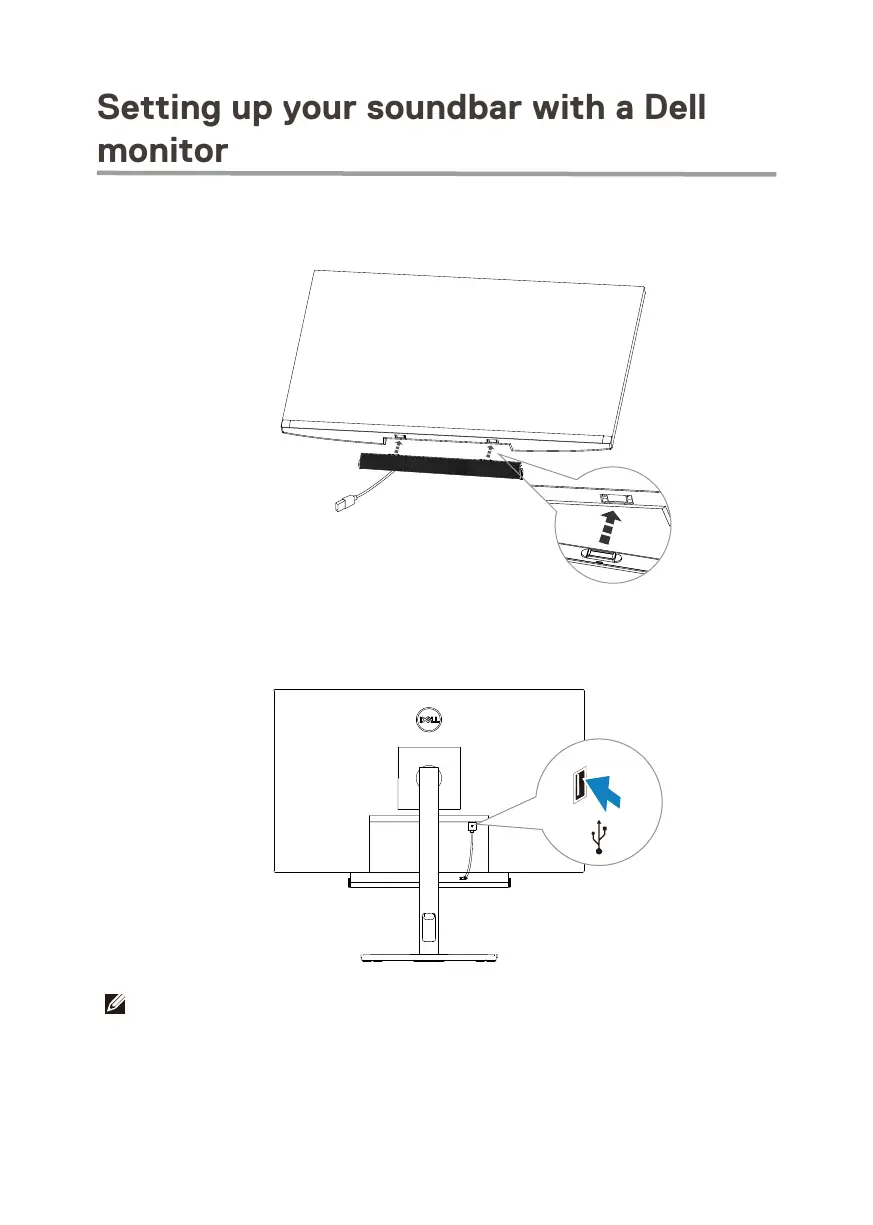
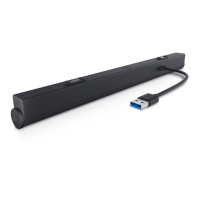
1. Align the magnetic tabs on the soundbar with the slots on the Dell monitor to secure
the soundbar to the monitor's base.
2. Connect the USB-A cable from the soundbar to the USB-A port on the Dell monitor.
3. Connect the USB upstream cable from the computer to the Dell monitor.
NOTE: For computers that use HDMI or DisplayPort cables to connect to the monitor,
the USB upstream cable must be connected to the monitor to ensure the Soundbar works.
6


 To Next Page