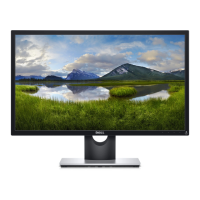
DELL SE2216H/SE2216HV/SE2216HM
1
1. Disassemble Procedures
Turn off power
Unplug cables from monitor.
Dismantle mid frame and back cover (start with
top of monitor).
Remove stand from monitor release button
(with Philip-head screwdriver)
Flip the monitor to remove back cover
Use Philips-head screwdriver (Φ5 mm) to
remove 2 screws for unlocking.
M4 x 10, Torque = 12 +/- 1Kgf.cm
*For VGA connectivity, use hexgonal
screwdriver to remove 2 VGA screws. Torque
= 0.8 +/- 0.1Kgf.cm
Remove acetate tape on top of backlight cable &
aluminium foil on top of LVDS cable.
Press the hook for both side to unplug LVDS cable.
Remove mylar on top of power board.



 To Next Page