48 | Operating the monitor
Icon Menu and
Submenus
Description
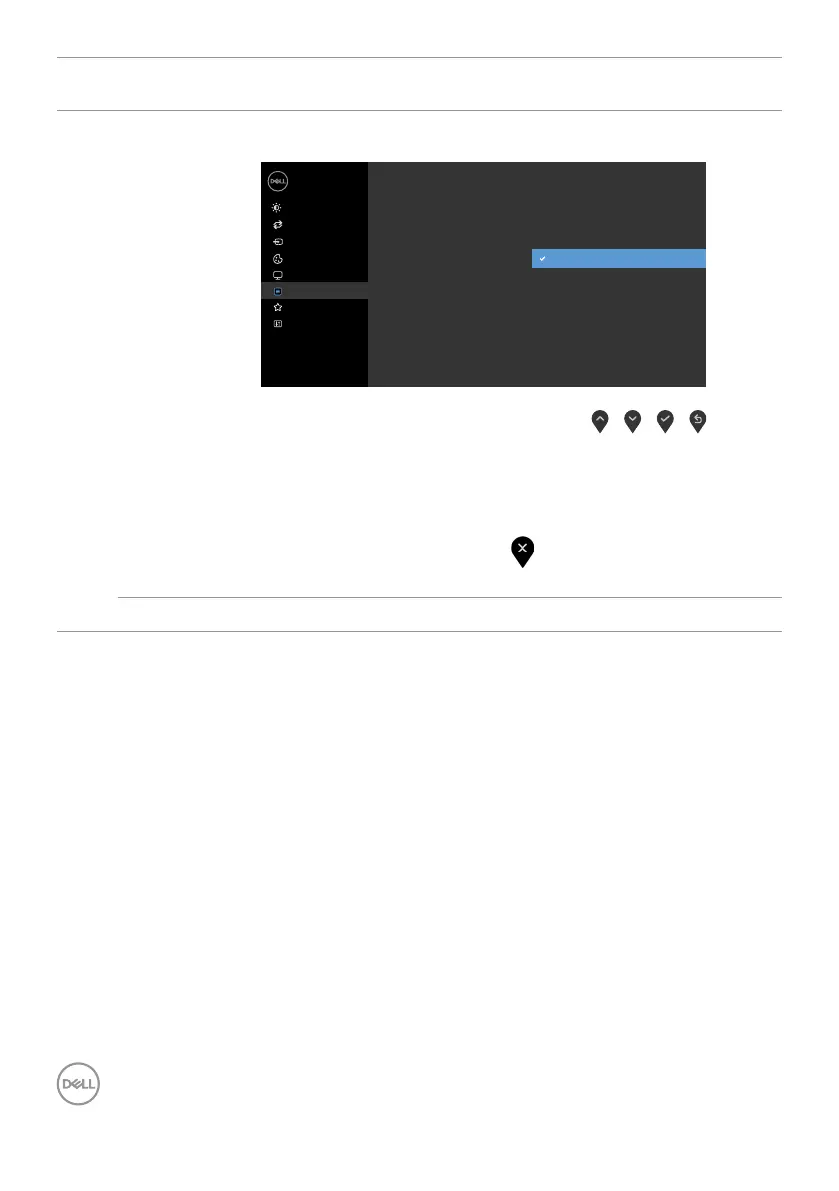
Lock
Controls user access to adjustments. The buttons are
locked.
Dell 24 Monitor
Brightness/Contrast
Auto Adjust
Input Source
Color
Display
Menu
Others
Personalize
Power Button
Language
Transparency
Timer
Menu + Power Buttons
Disable
Lock
Reset Menu
Menu Buttons
• Menu Buttons: Through OSD to lock the Menu buttons.
• Power Button: Through OSD to lock the Power button.
• Menu + Power Buttons: Through OSD to lock the all of
Menu and Power buttons.
• Disable: Press and hold the
button on the left of the
power button for 4 second.
Reset Menu
Restore the menu settings to factory defaults.


 To Next Page