Setting Basic Display Functions | 7
Setting Basic Display Functions
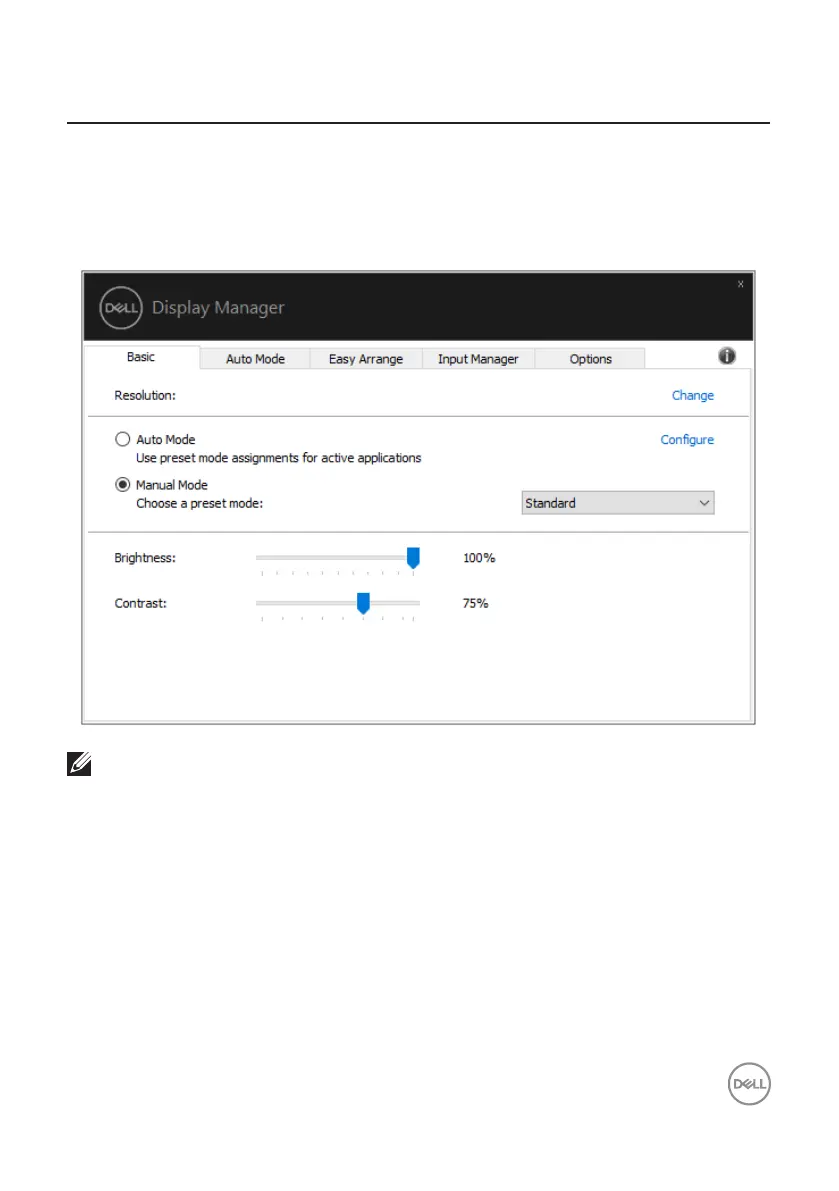
You can select Manual Mode that enables you to manually select a preset mode
or select Auto Mode that applies a preset mode based on the active application.
An on-screen message displays the current preset mode whenever it changes. The
selected monitor’s Brightness and Contrast can also be directly adjusted from the
Basic tab.
1920x1080
Dell SE2722H
NOTE: When multiple Dell monitors are connected, select “Enable
display matrix control” to apply brightness, contrast and color presets
controls to all monitors.



 To Next Page