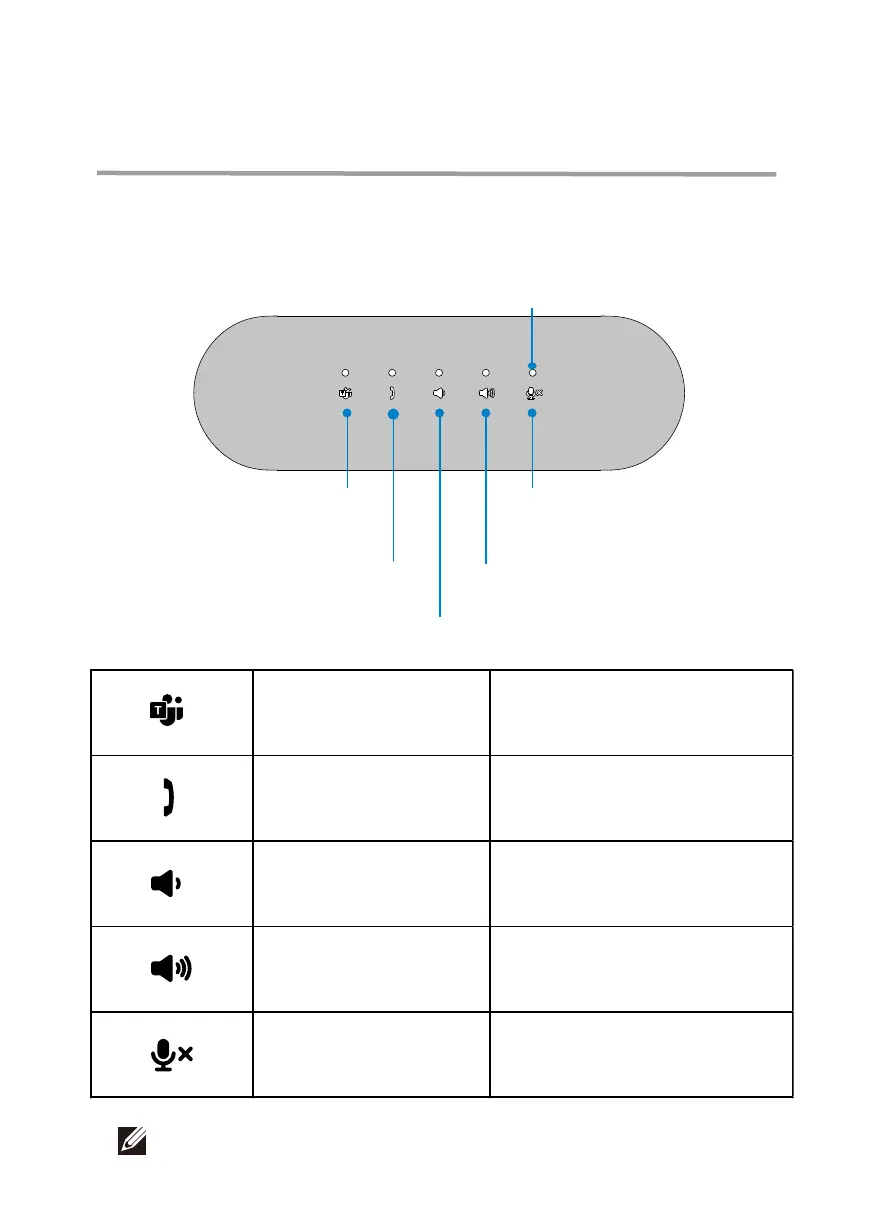
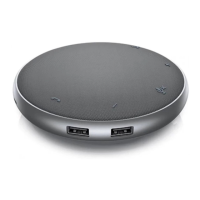
The Dell Speakerphone SP3022 makes it easier for you to handle your calls with
quick access to essential control functions.
Mute/Unmute
Answer/ End/ Reject* call
Volume up
Volume down
LED
Open Microso Teams Tap the Microso Teams buon
Answer/ End/ Reject call
Tap the Answer/ End/ Reject
call button
Speaker volume down Tap the Volume down buon
Speaker volume up Tap the Volume up buon
Mute/Unmute microphone Tap the Mic. Mute buon
Microsoft Teams
Features
11
NOTE: Please refer to page 12 for more details of Answer/ End/ Reject call button.


 To Next Page