12
Using Microsoft Teams with your speakerphone
Answer incoming Teams calls:
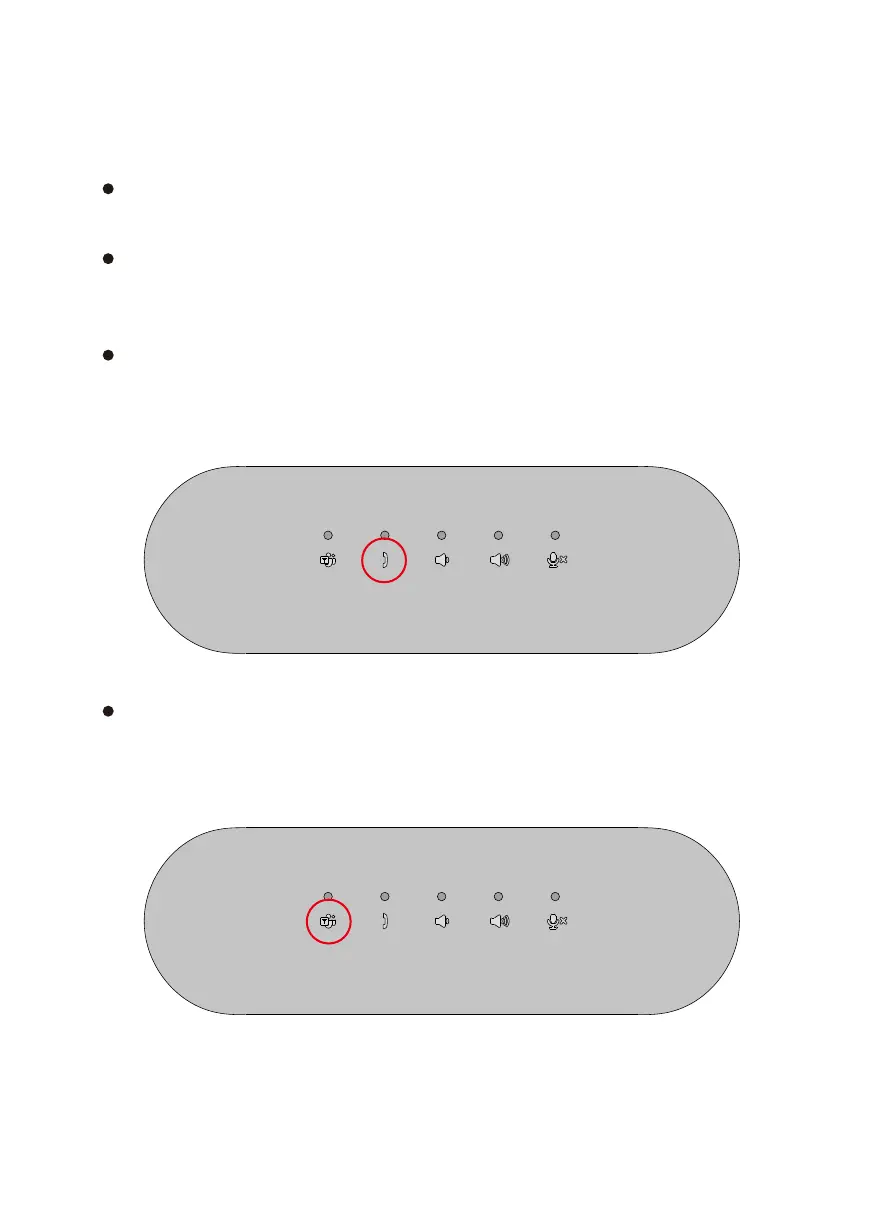
(1) Press the Answer/ End/ Reject call button to answer the incoming call.
Reject incoming Teams calls:
(1) Long press the Answer/ End/ Reject call button for one second to reject
the incoming call.
End Teams calls:
(1) Press the Answer/ End/ Reject call button to end the call.
Making Teams calls:
(1) Press the Teams button to bring Teams app on the main screen.
(2) Start a call through the Teams application on your computer.


 To Next Page