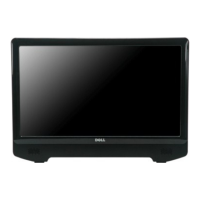
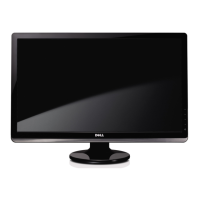
To connect your monitor to the computer:
1. Turnoffyourcomputeranddisconnectthepowercable.
2. Connecttheblue(analogVGA)displayconnectorcabletothecorrespondingvideoportonthebackofyourcomputer.
3. Turn on your monitor and computer. If your monitor displays an image, installation is complete. If it does not display an image, see Troubleshooting your
monitor.
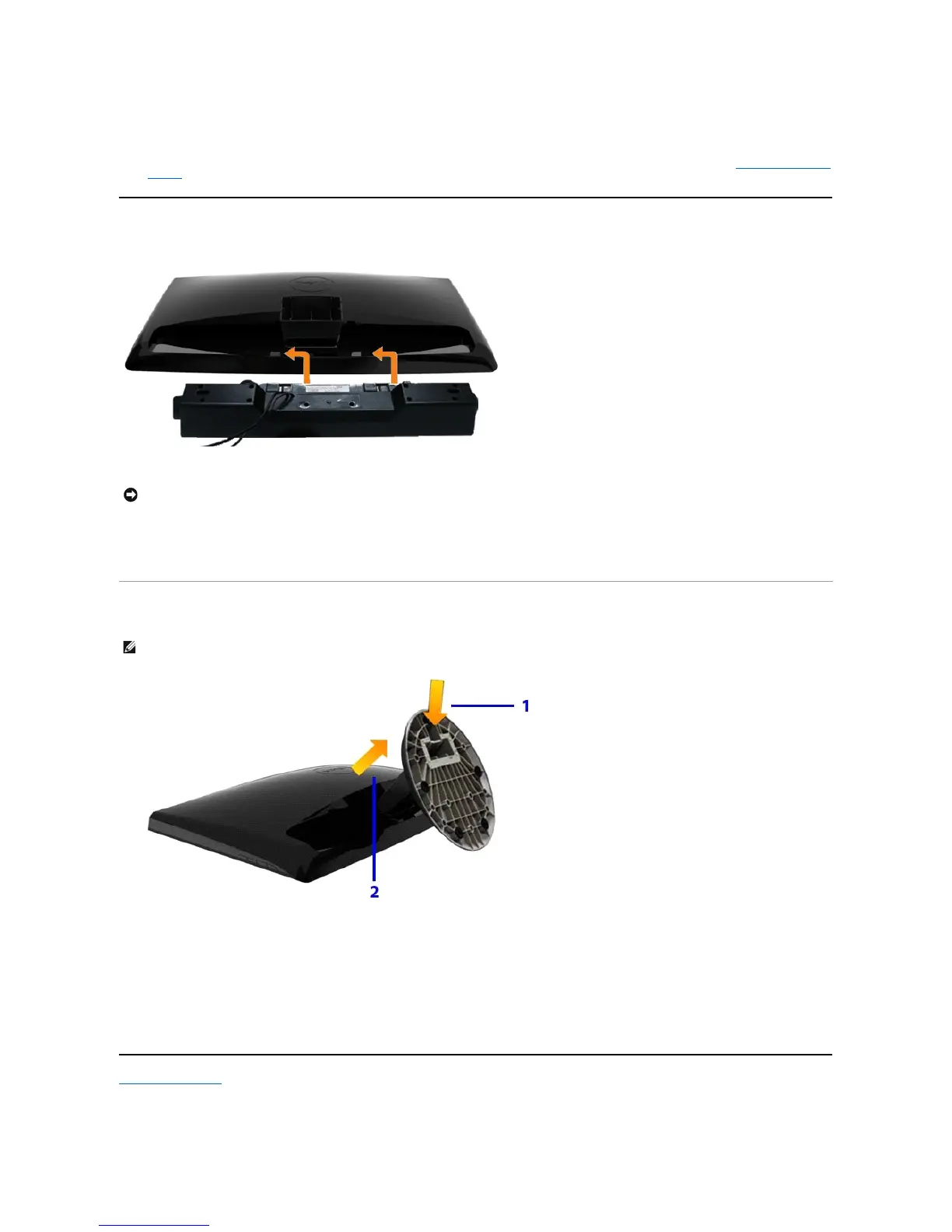
Attaching the Soundbar
Removing the Base
Back to Contents Page
NOTICE: DonotusewithanydeviceotherthantheDellSoundbar.
Working from the back of the monitor, attach the Soundbar by aligning the two slots with the two tabs along the bottom of the monitor.
Slide the Soundbar to the left until it snaps into place.
Connect the Soundbar with the DC power connector.
Insert the mini stereo plug from the back of the Soundbar into the computer's audio output jack.
NOTE: To prevent scratches on the LCD screen while removing the stand,ensure that the monitor is placed on a soft, clean surface
Afterplacingthemonitorpanelonsoftclothorcushion,completethefollowingstepstoremovethebase.
Press the hook to loosen the base from the riser.
Detach the base away from the monitor hinge.



 To Next Page