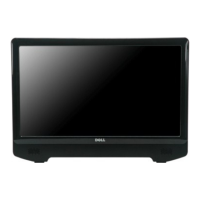
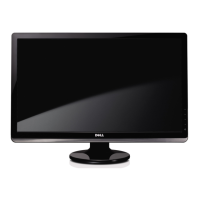
■ 20-inch ( 444.8*251.1 mm) viewable area display (Measured diagonally) .
■ 1600 x 900 resolution, plus full-screen support for lower resolutions.
■ Tilt capability.
■ Plug and play capability if supported by your system.
■ On-Screen Display (OSD) adjustments for ease of set-up and screen optimization.
■ Software and documentation media includes an information file (INF), Image color Matching File (ICM), and product documentation.
■ Energy Saver feature for Energy Star compliance.
■ Security lock slot.
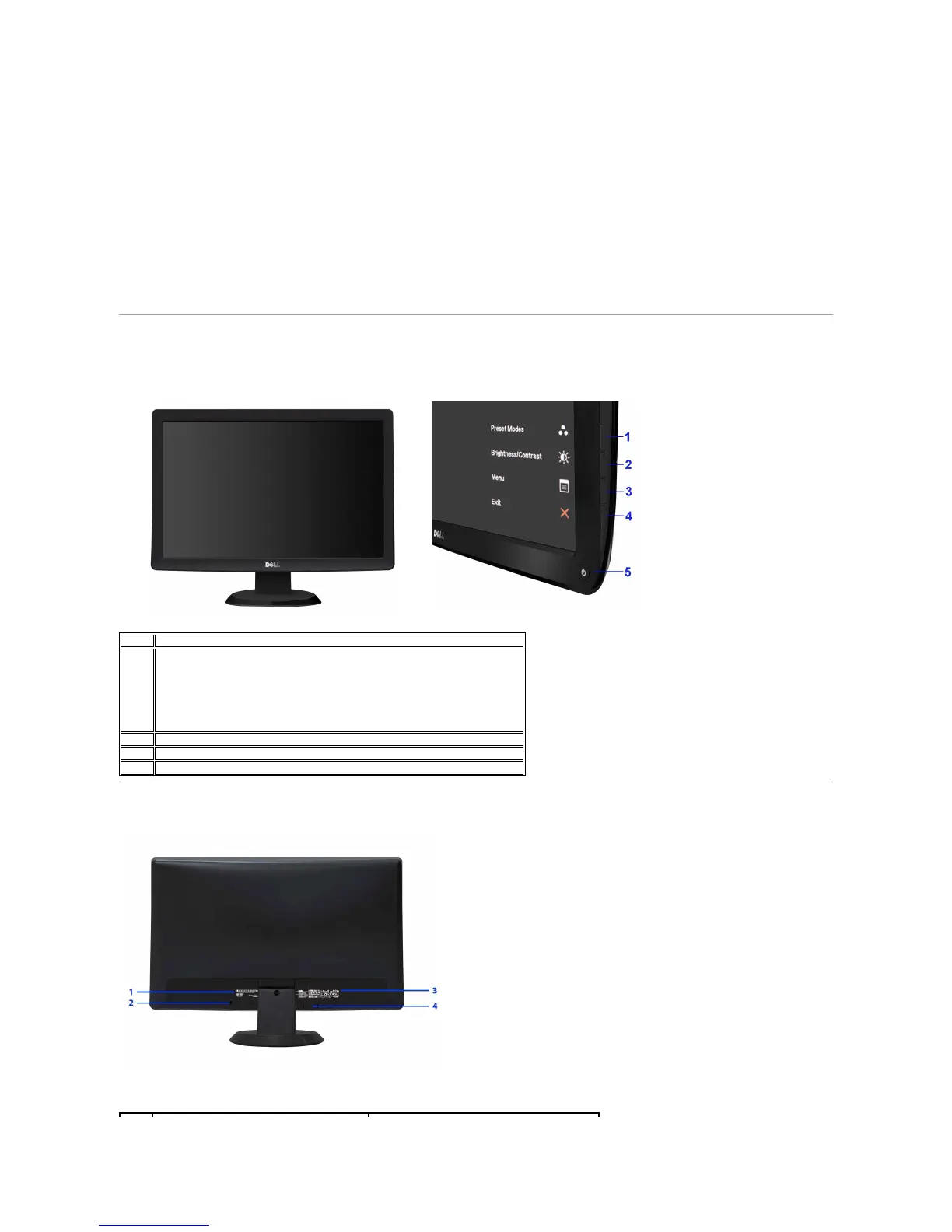
Identifying Parts and Controls
Front View
Back View



 To Next Page