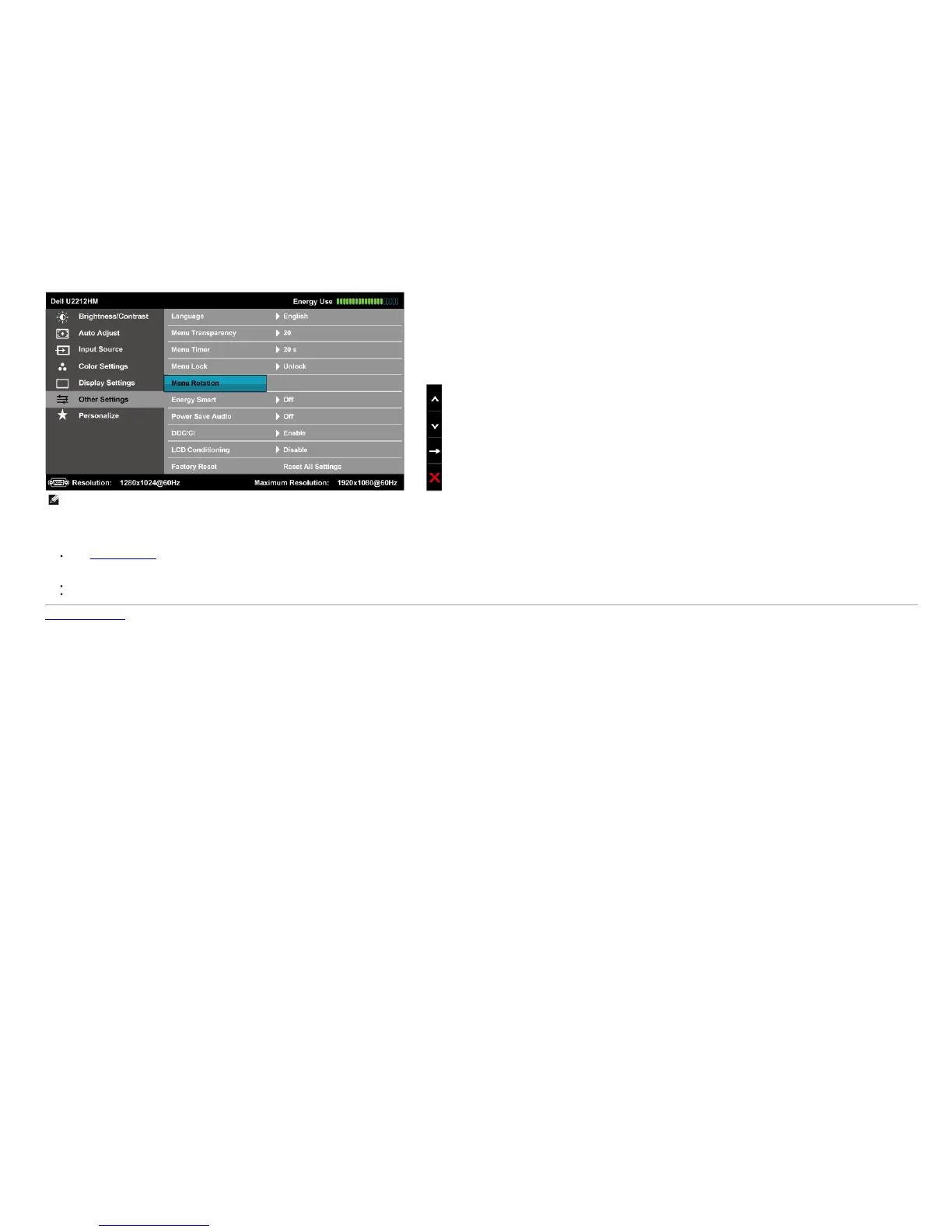
NOTE: OS support: Windows Vista (32 and 64 bits), Windows 7 (32 and 64 bits)
Video interface support: VGA and DVI only.
If you do not see the screen rotation, you may need to update your graphics driver. Depending on your computer, complete the following procedures:
If you have a Dell desktop or portable computer:
Go to support.dell.com, enter your service tag, and download the latest driver for your graphics card.
If you are using a non-Dell computer (portable or desktop):
Go to the support site for your computer and download the latest graphic drivers.
Go to your graphics card website and download the latest graphic drivers.
Back to Contents Page


 To Next Page