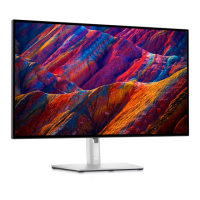
For best practices, follow the instructions in the list below while unpacking, cleaning, or handling your monitor:
l To clean your antistatic screen, lightly dampen a soft, clean cloth with water. If possible, use a special screen-cleaning tissue or solution suitable for the
antistatic coating. Do not use benzene, thinner, ammonia, abrasive cleaners, or compressed air.
l Use a lightly-dampened,warmclothtocleantheplastics.Avoidusingdetergentofanykindassomedetergentsleaveamilkyfilmontheplastics.
l Handleyourmonitorwithcareasdark-colored monitors may scratch and show white scuff marks more than lighter-coloredmonitors.
Back to Contents Page


 To Next Page