l USB-IF certification
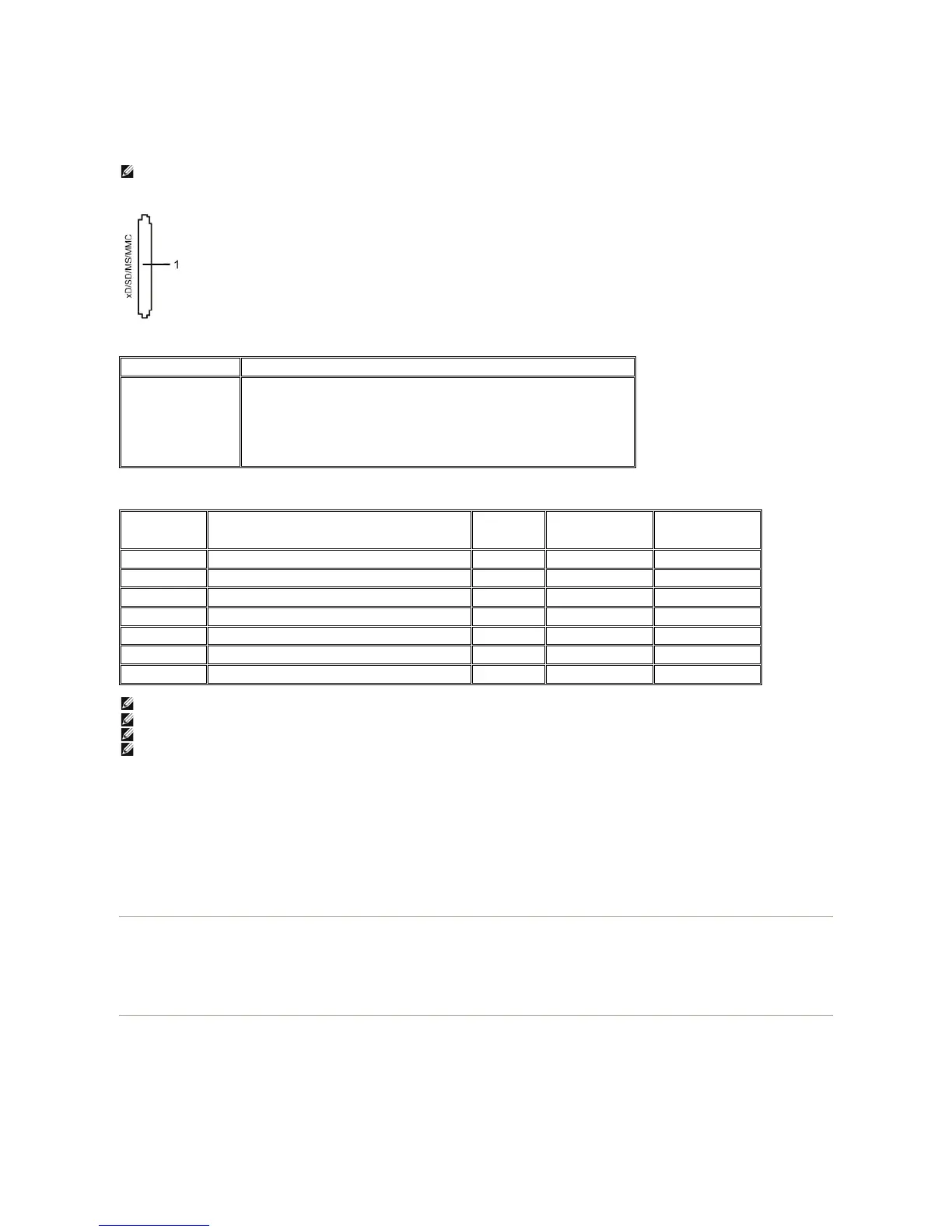
l Supports various memory card media
The following table lists the memory cards supported:
Maximum Card Capacity Supported by the U2711 card reader
General
Performance
Plug and Play Capability
You can install the monitor in any Plug and Play-compatible system. The monitor automatically provides the computer system with its Extended Display
Identification Data (EDID) using Display Data Channel (DDC) protocols so the system can configure itself and optimize the monitor settings. If required, the
user can select different settings, but in most cases monitor installation is automatic.
Maintenance Guidelines
Caring for Your Monitor
NOTE: No Microsoft®Windows®9X support from Dell.
xD-Picture Card
Memory Stick Card (MS)/High Speed Memory Stick (HSMS)/Memory Stick Pro Card (MS
PRO)/Memory Stick Duo (with Adapter)
Secure Digital Card (SD)/Mini Secure Digital (with Adapter)/TransFlash Card (with
Adapter)
MultiMedia Card (MMC)/Reduced Size MultiMedia Card (with Adapter)
Support Maximum
Capacity by Spec
USB2602-NU-05
(For
U2711)
Memory Stick Standard Format Specification
Memory Stick Pro Standard Format Specifications
Memory Stick Duo Standard Format Specifications
Memory Stick Duo Standard Format Specifications
xD Picture Card Specification
SD Memory Card Specifications
MultiMedia Card System Specification
NOTE: MSPRO includes MSPRO Duo and MS Micro.
NOTE: xD includes TypeM and TypeH.
NOTE: SD includes HS-SD, MiniSD and SD Micro. SD v2.0 spec includes SDHC.
NOTE: MMC includes MMCPlus, RS-MMC, MMC Mobile and MMC micro.
USB 2.0 High Speed Device (USB Full Speed Device compatible)
Microsoft®Windows®2000, Windows®XP, Windows Vista® and Windows®7


 To Next Page