Operating the Monitor | 65
Icon Menu and
Submenus
Description
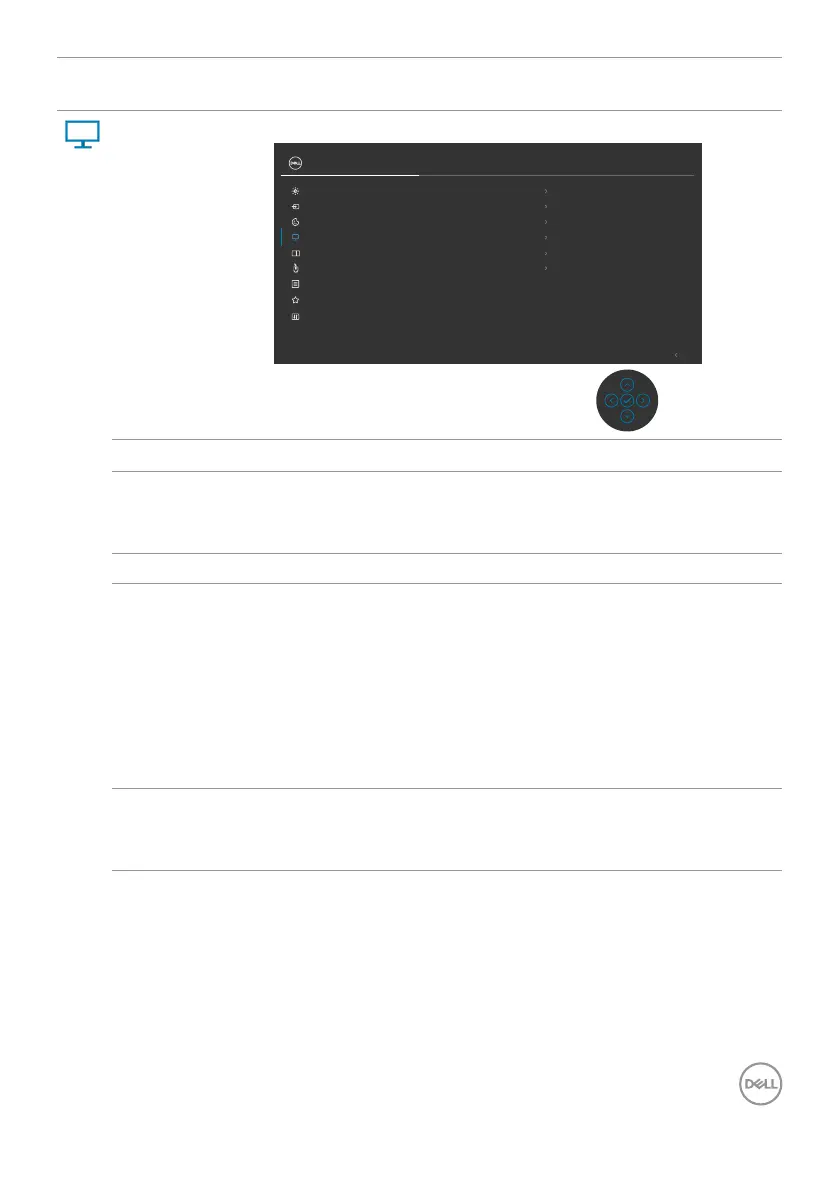
Display Use the Display menu to adjust image.
50Sharpness
NormalResponse Time
16:9
Aspect Ratio
Exit
OnMST
Reset Display
Color
Display
USB-C Prioritization High Data Speed
OnMulti-Monitor Sync
UltraSharp 27 Monitor
Brightness/Contrast
Input Source
PIP/PBP
Personalize
Others
Menu
USB
Aspect Ratio Adjust the image ratio to Wide 16:9, Auto Resize, 4:3, 1:1.
Sharpness Makes the image look sharper or softer.
Move the Joystick up and down to adjust the sharpness
from ‘0’ to ‘100’.
Response Time Allows you to set the Response Time to Normal or Fast.
MST DP Multi Stream Transport, Set to ON enables MST (DP
out), Set to OFF disables MST function.
NOTE: When DP/USB-C upstream cable and DP
downstream cable is connected, monitor will set MST
= ON automatically, this action will only be done once
after Factory Reset or Display Reset. Please refer to
“Connecting the Monitor for DP Multi-Stream
Transport (MST) Function”.
USB-C
Prioritization
(U2722DE Only)
Allows you to specify the priority to transfer the data with
high resolution (High Resolution) or high speed (High Data
Speed) when using the USB-C port/DisplayPort.












 To Next Page