Operating the Monitor | 73
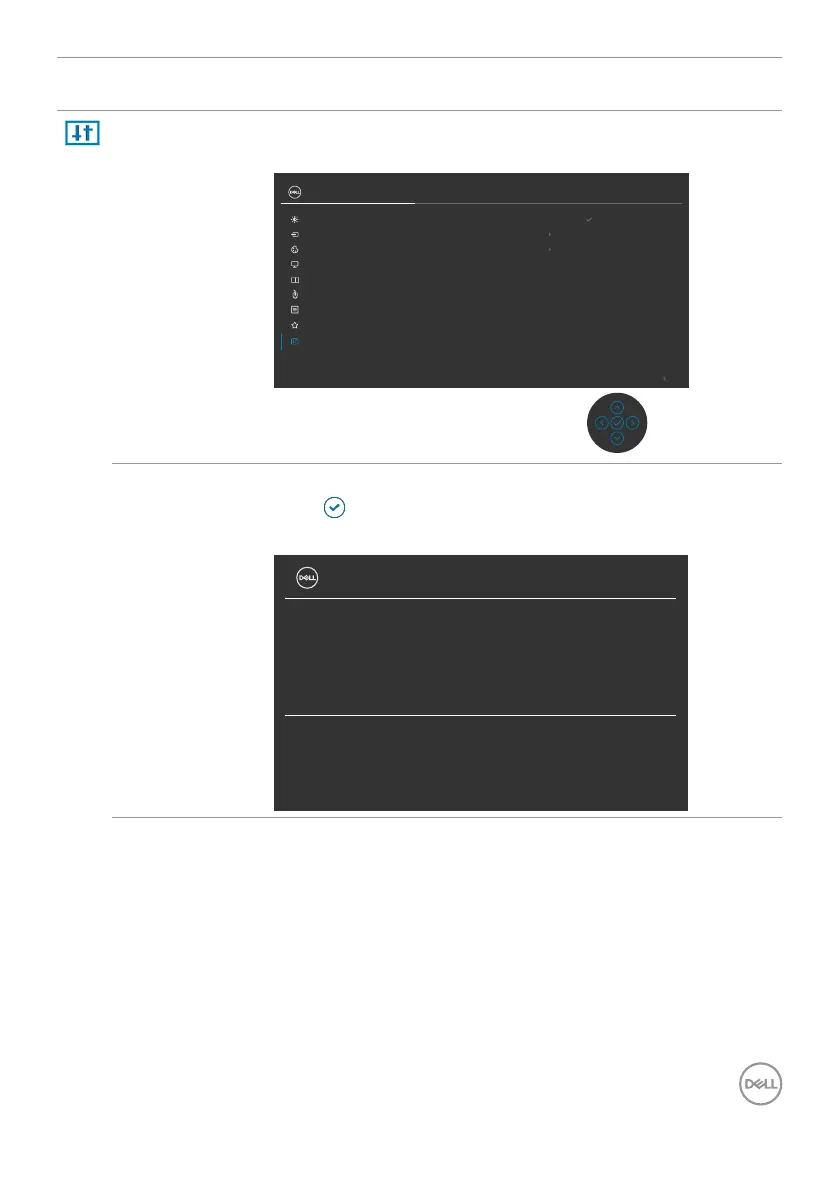
Icon Menu and
Submenus
Description
Others Select this option to adjust the OSD settings suchas the
DDC/CI, LCD conditioning, and so on.
Exit
Others
Menu
Display Info
Reset Others
Factory Reset
Firmware 13T112
Service Tag CN073K0
DDC/CI On
LCD Conditioning
O
ENERGY STAR
®
UltraSharp 27 Monitor
Select
Input Source
Display
Color
Brightness/Contrast
PIP/PBP
Personalize
USB
Display Info Displays the monitor’s current settings.
Press to select this function.
U2722D/U2722DX:
UltraSharp 27 Monitor
Input Source:
Resolution:
Input Capability:
DP
2560 x 1440, 60 Hz
DP 1.4
HDMI 1.4
Model:
Firmware:
Service Tag:
Dell U2722D
13T109
CN073K0












 To Next Page