36 | Setting up the monitor
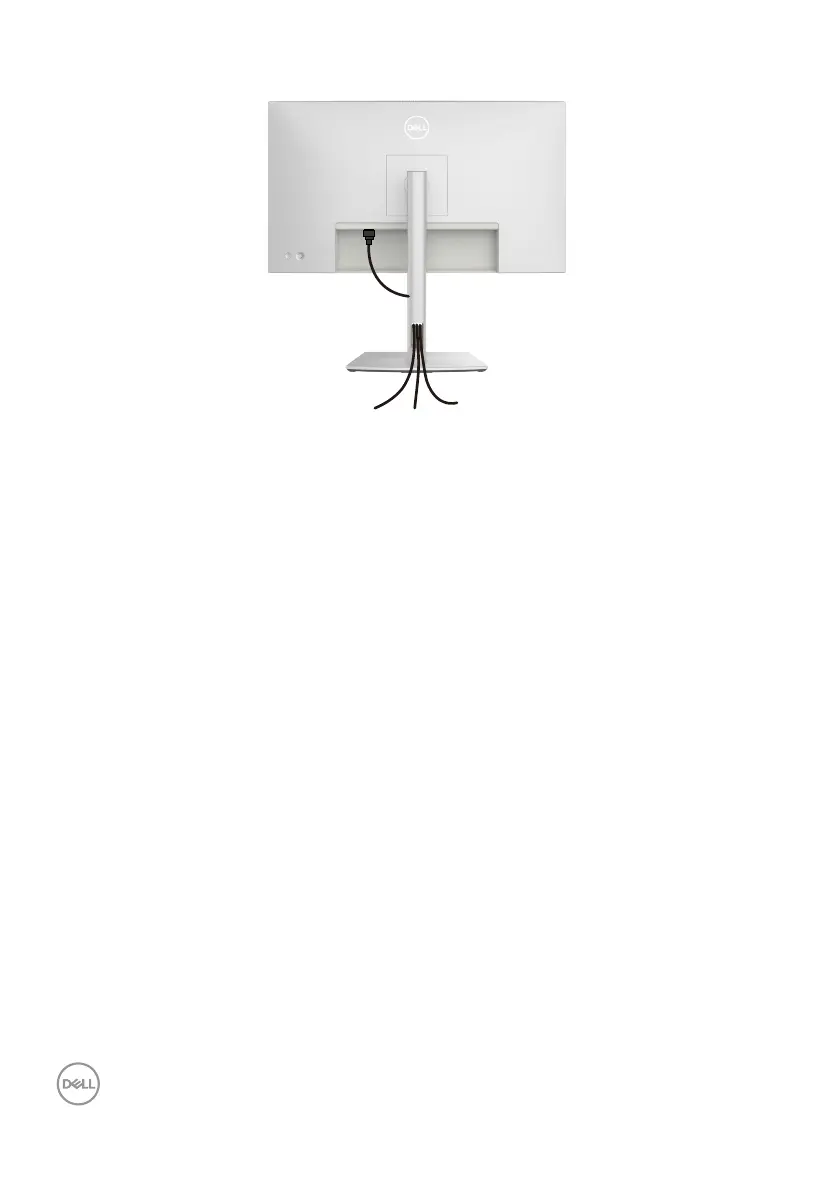
Organizing your cables
When connecting the necessary cables (for more information, see Connecting your
monitor), route the cables through the cable-management slot.
If your cable is not able to reach your PC, you may connect directly to the PC without
routing through the slot on the monitor stand.












 To Next Page