64 | Operating the monitor
Initial Setup
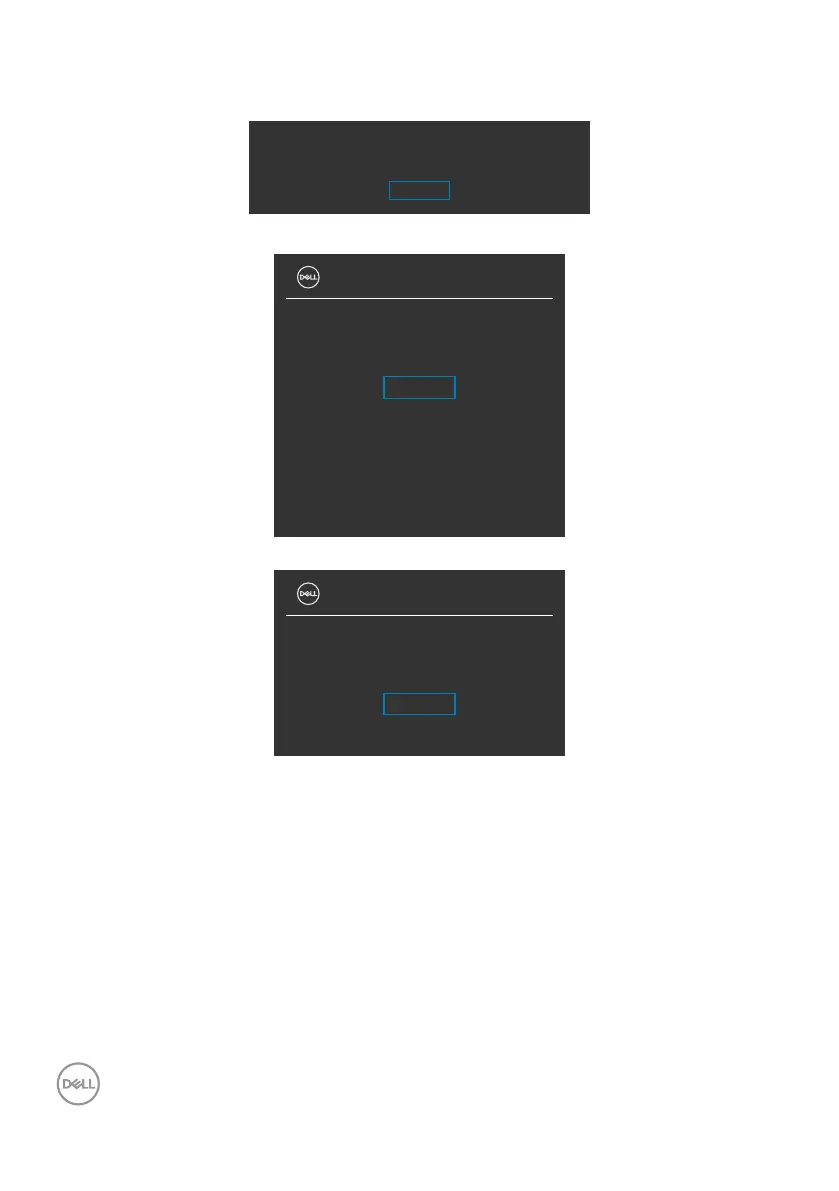
Select OSD items of Factory Reset in Other feature, the following message appears:
Are you sure you want to reset to default settings?
Yes
No
When you select Yes to reset to default settings, the following messages appear:
UltraSharp 27 Monitor
Select ‘Yes’ to enable the following function(s):
.
USB Charging
When ‘Yes’ is selected, power consumption will
increase. When ‘No’ is selected, it will comply
with ENERGY STAR requirements.
Individual settings of the functions can be
changed in the Menu.
Yes
No
UltraSharp 27 Monitor
Would you like to switch on the
Auto Brightness function?
Yes
No












 To Next Page