Operating the monitor | 51
Icon Menu and
submenu
Description
•Color Space: Allows users to select the color space:
sRGB, BT.709, DCI-P3, Display P3.
•Custom Color: Allows you to manually adjust the color
settings. Press the Joystick left and right buttons to adjust
the Red, Green, and Blue values and create your own
preset color mode.
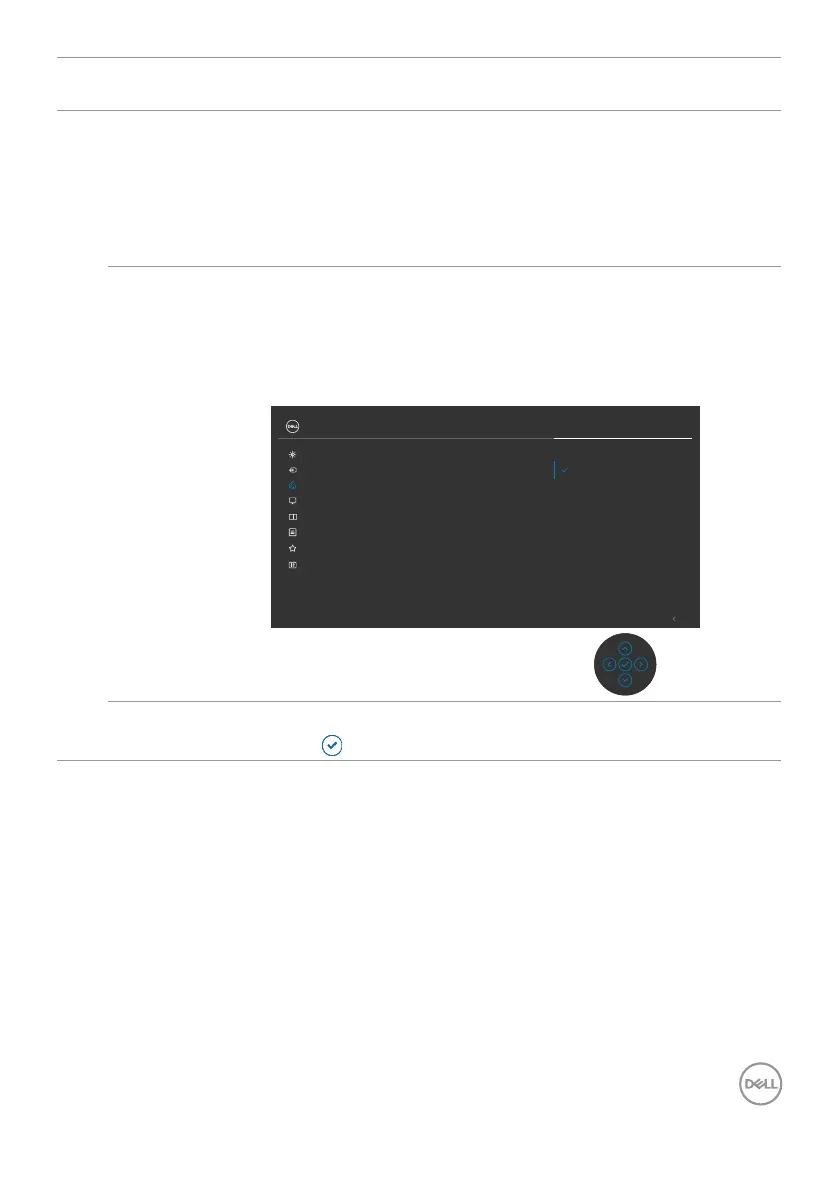
Input Color
Format
Allows you to set the video input mode to:
•RGB: Select this option if your monitor is connected to a
computer or a media player that supports RGB output.
•YCbCr: Select this option if your media player supports
only YCbCr output.
YCbCr
RGB
Exit
Color
Brightness/Contrast Preset Modes
Input Color Format
Reset Color
Input Source
Display
UltraSharp 27 Monitor
PIP/PBP
Personalize
Others
Menu
Reset Color Resets your monitor’s color settings to the factory defaults.
Press
to select this function.












 To Next Page