Operating the monitor | 53
Icon Menu and
submenu
Description
Multi-Monitor
Sync
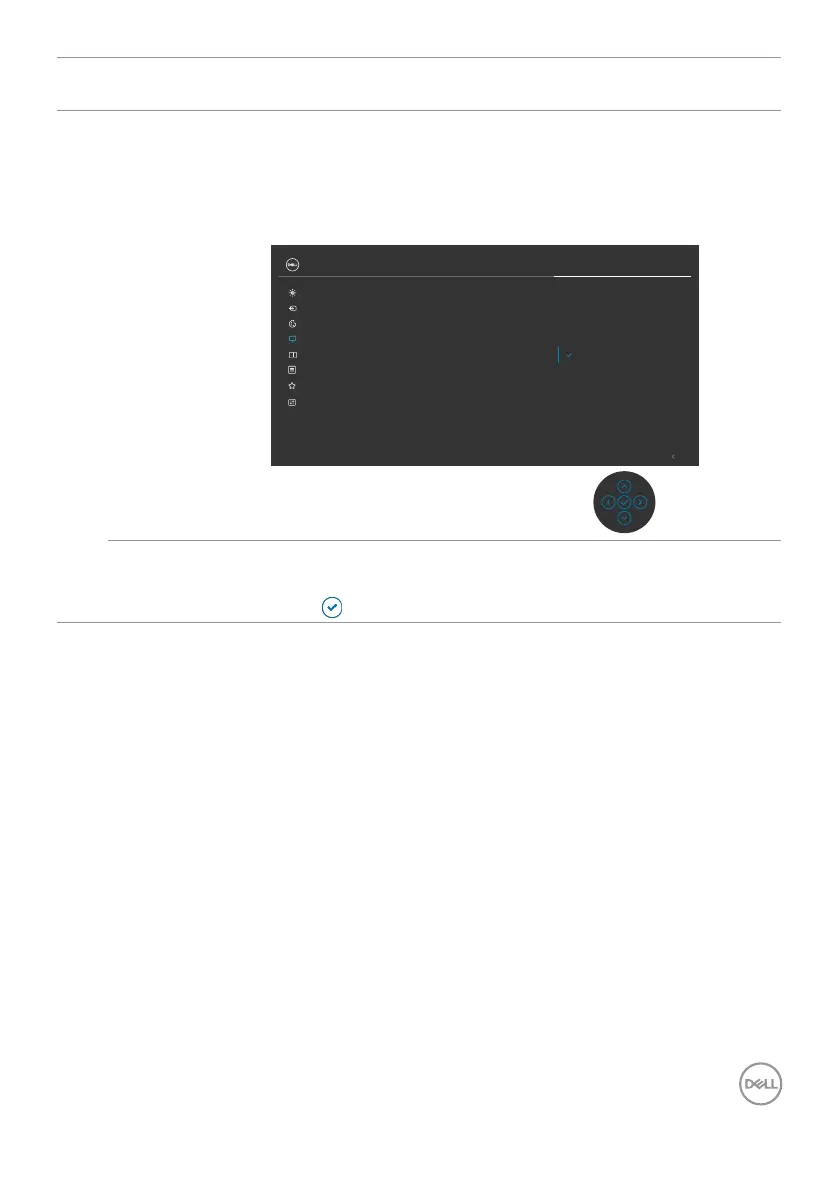
Multi-Monitor Sync allows multiple monitors that are daisy
chained via DisplayPort to synchronize a pre-defined group
of OSD settings in the background.
An OSD option, “Multi-Monitor Sync” will be created in
Display Menu to allow user to enable / disable syncing.
Exit
O
On
Color
Display
Brightness/Contrast
Input Source
PIP/PBP
Personalize
Others
Menu
UltraSharp 27 Monitor
Sharpness
Response Time
Aspect Ratio
MST
Multi-Monitor Sync
Reset Display
Reset Display Resets all settings under the Display menu to the factory
defaults.
Press
to select this function.












 To Next Page