Operating the monitor | 55
Icon Menu and
submenu
Description
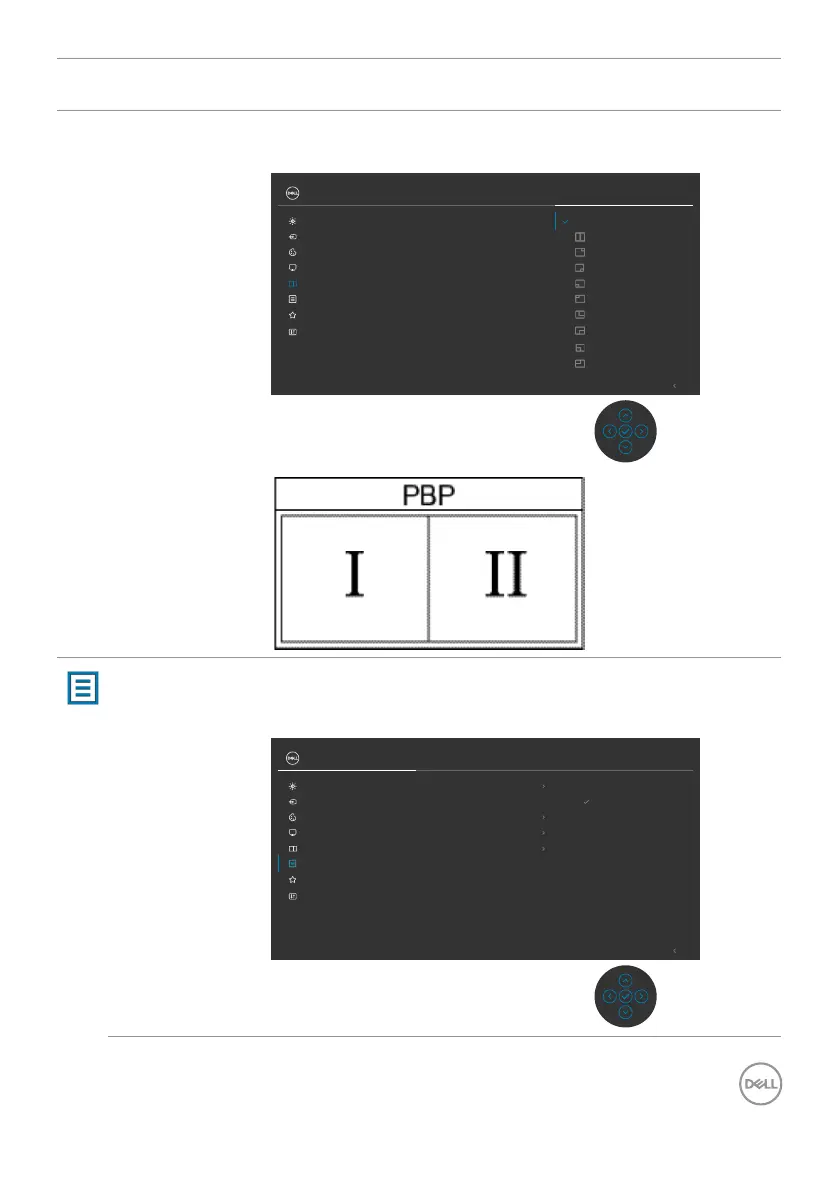
PIP/PBP Mode Adjusts the PIP or PBP (Picture by Picture) mode.
You can disable this feature by selecting Off.
Exit
PIP/PBP
PIP/PBP Mode O
Input Source
Display
Color
Brightness/Contrast
UltraSharp 27 Monitor
Personalize
Others
Menu
Menu Select this option to adjust the settings of the OSD, such
as the languages of the OSD, the amount of time the menu
remains on screen, and so on.
Exit
Input Source
English
Rotation
20Transparency
Language
20 sTimer
DisableLock
Reset Menu
Select
Display
Color
Brightness/Contrast
PIP/PBP
Menu
Personalize
Others
UltraSharp 27 Monitor












 To Next Page