70 │ Operating the monitor
Show KVM
Setup Guide
Displays the step-by-step KVM setup guide. Follow
the steps if you want to connect multiple computers
to the monitor and use one setup of keyboard and
mouse.
Reset USB Resets all USB settings to the factory preset values.
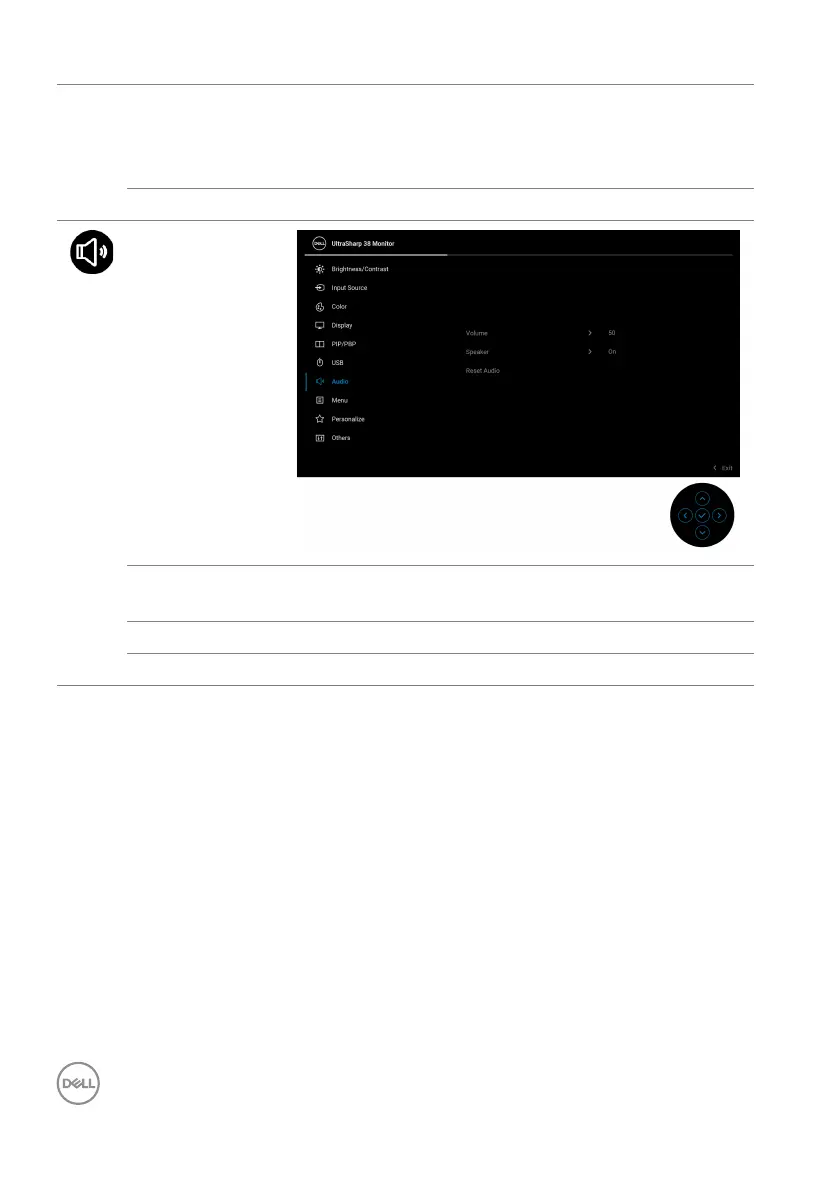
Audio
Volume Allows you to set the volume level of speakers. Move
the joystick to adjust the volume level from '0' to '100'.
Speaker Allows you to turn on or off the speaker function.
Reset Audio Restores the audio settings to the factory settings.













 To Next Page