Setting up the Windows Mixed Reality experience
1 Connect the USB and HDMI cables to the respective ports on your computer.
WARNING: Ensure you read and understand the personal and product safety instructions in the Safety, Environmental,
and Regulatory Information (SERI)
before
you use the Dell Visor VR118.
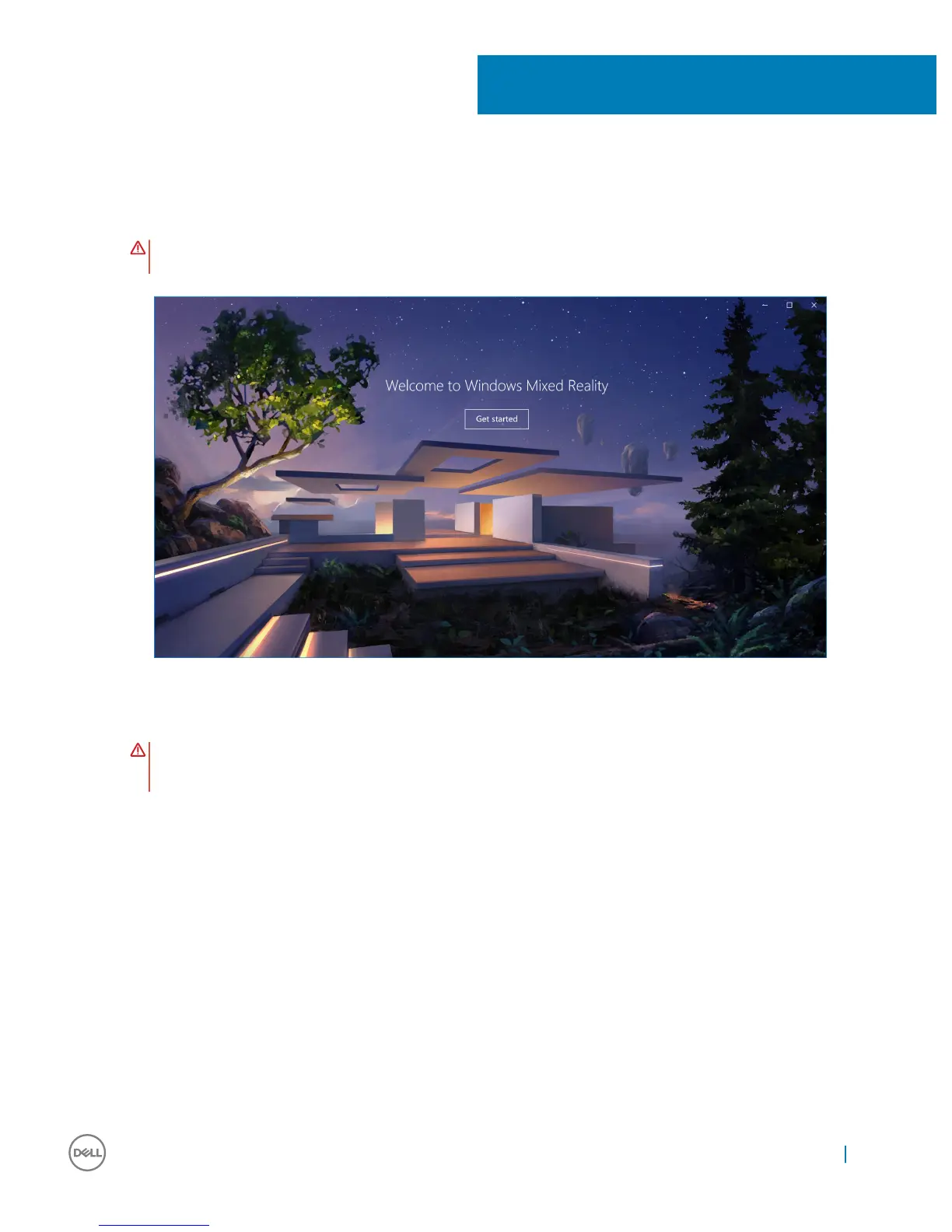
2 The Welcome to Windows Mixed Reality screen appears. Click Get started.
Figure 2. Welcome screen
3 Click I agree to accept the Microsoft Privacy Statement and Terms of Service.
WARNING
: To reduce the risk of serious or fatal injury, use a space with plenty of room and no obstacles. Headsets and
apps may have additional safety instructions or set age limits for use. Be sure anyone who uses your device follows all
the safety and health guidelines.
6
Setting up the Windows Mixed Reality experience 13


 To Next Page