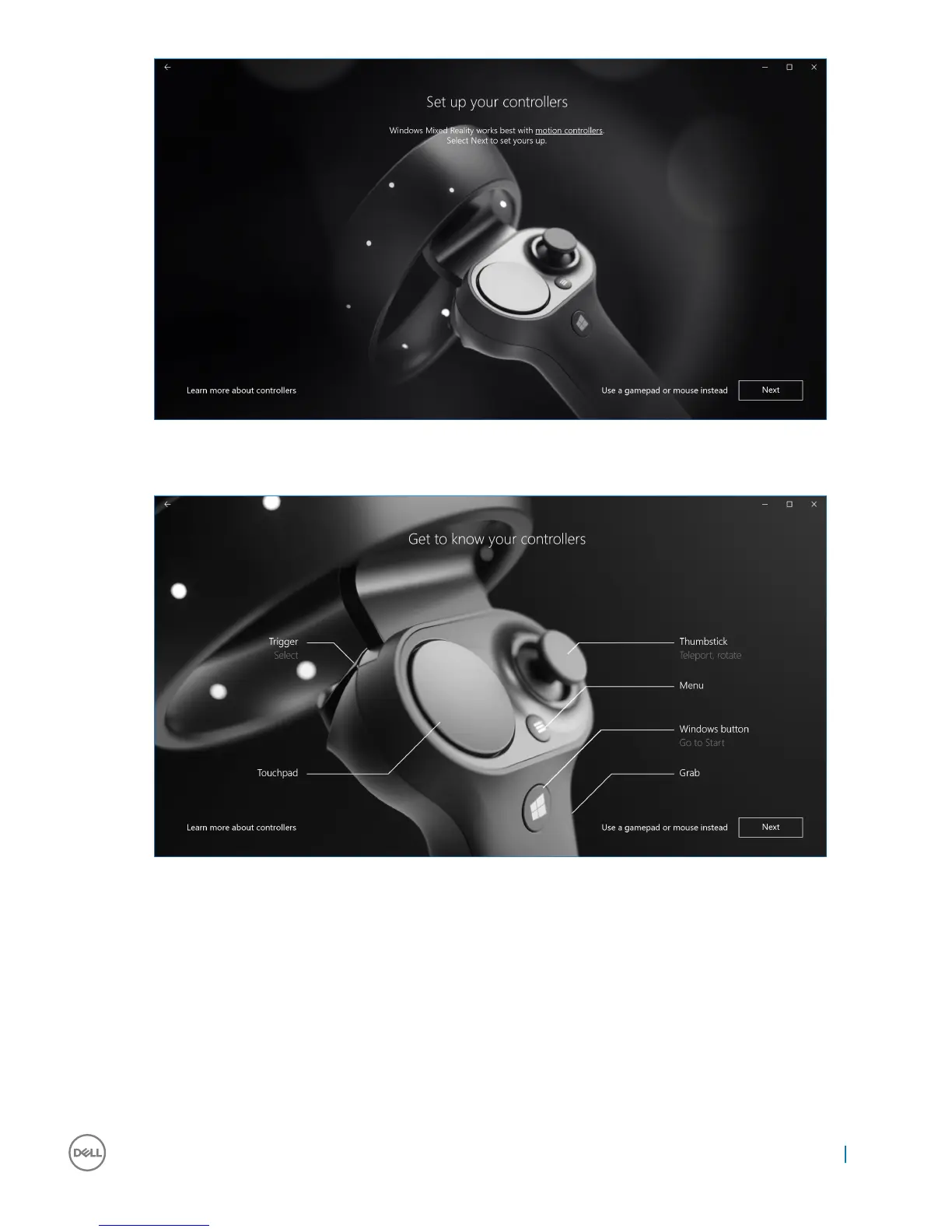
Figure 5.
6 Familiarize yourself with the various features of your controllers. Click Next to pair the controllers via Bluetooth.
Figure 6. Get to know your controllers
7 To pair the visor controllers, press and hold the Windows button for 2 seconds to turn on your controllers. Then, remove the battery
compartment cover and press and hold the Bluetooth pairing button, as shown, until the LED constellation lights ash. Wait till both
the controllers nish the pairing process.
Setting up the Windows Mixed Reality experience
15


 To Next Page