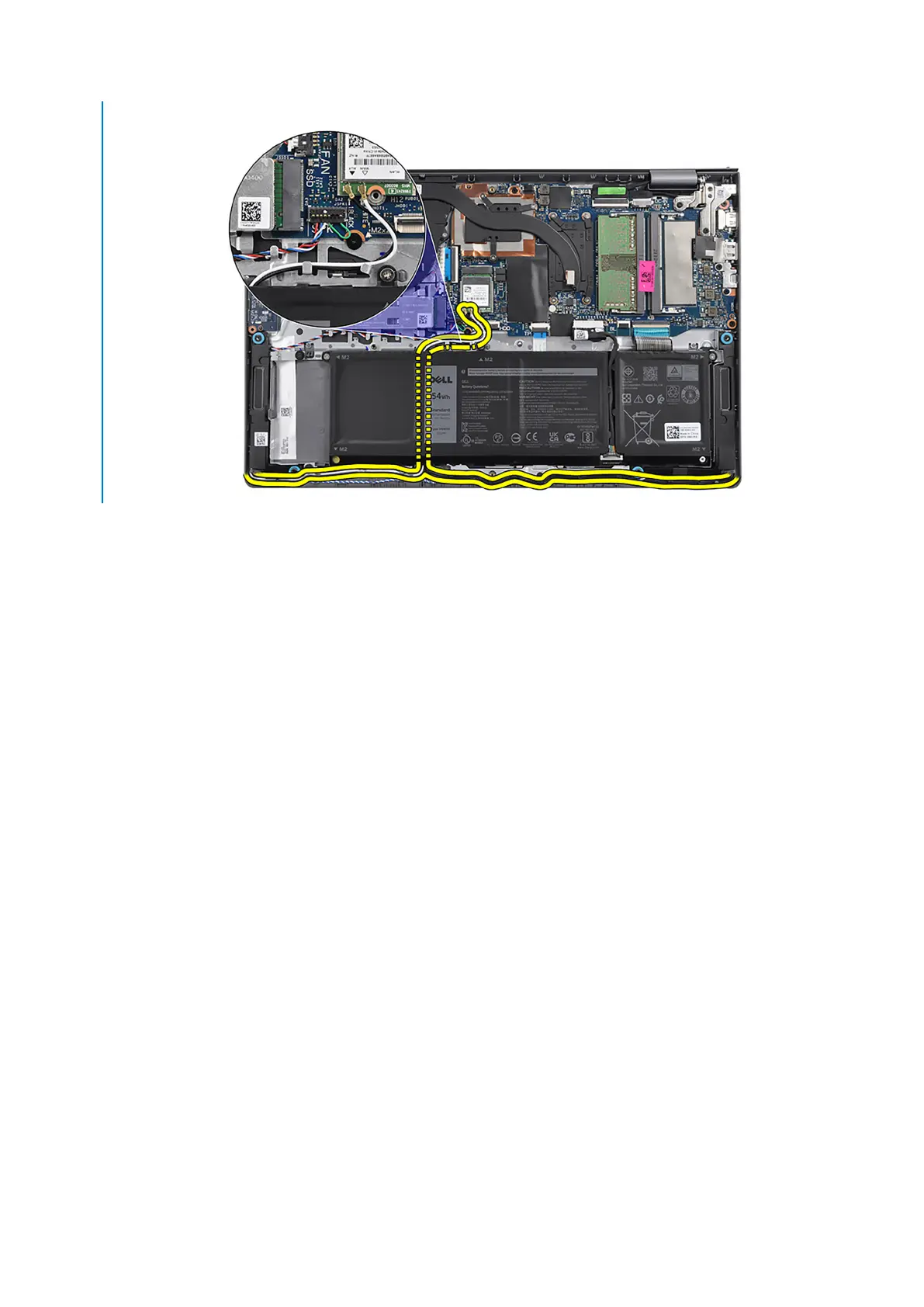
antennas are attached to the palm-rest assembly, therefore it is not required to disconnect and unroute the WLAN
antenna cables.
5. Open the display hinges at an angle of 90 degrees, and place the system on a flat surface.
6. Remove the display assembly from the palm-rest and keyboard assembly.
Installing the display assembly
Prerequisites
If you are replacing a component, remove the existing component before performing the installation process.
About this task
The following images indicate the location of the display assembly and provide a visual representation of the installation
procedure.
64
Removing and installing components














 To Next Page