EasyManua.ls Logo

Dell Vostro 460 - Page 91

Dell Vostro 460
103 pages
Print Icon
To Next Page IconTo Next Page
To Previous Page IconTo Previous Page
Loading...
motherboard
.
Reseat the 4
Pin ATX
Power
Connector
for the
Processor.
Blinking
Frequen
cy: 0.5
Seconds
ON, 0.5
Seconds
OFF.
When
the CPU
is not
seated
properly
or not
detecte
d, the
system
will
automat
ically
power
off.
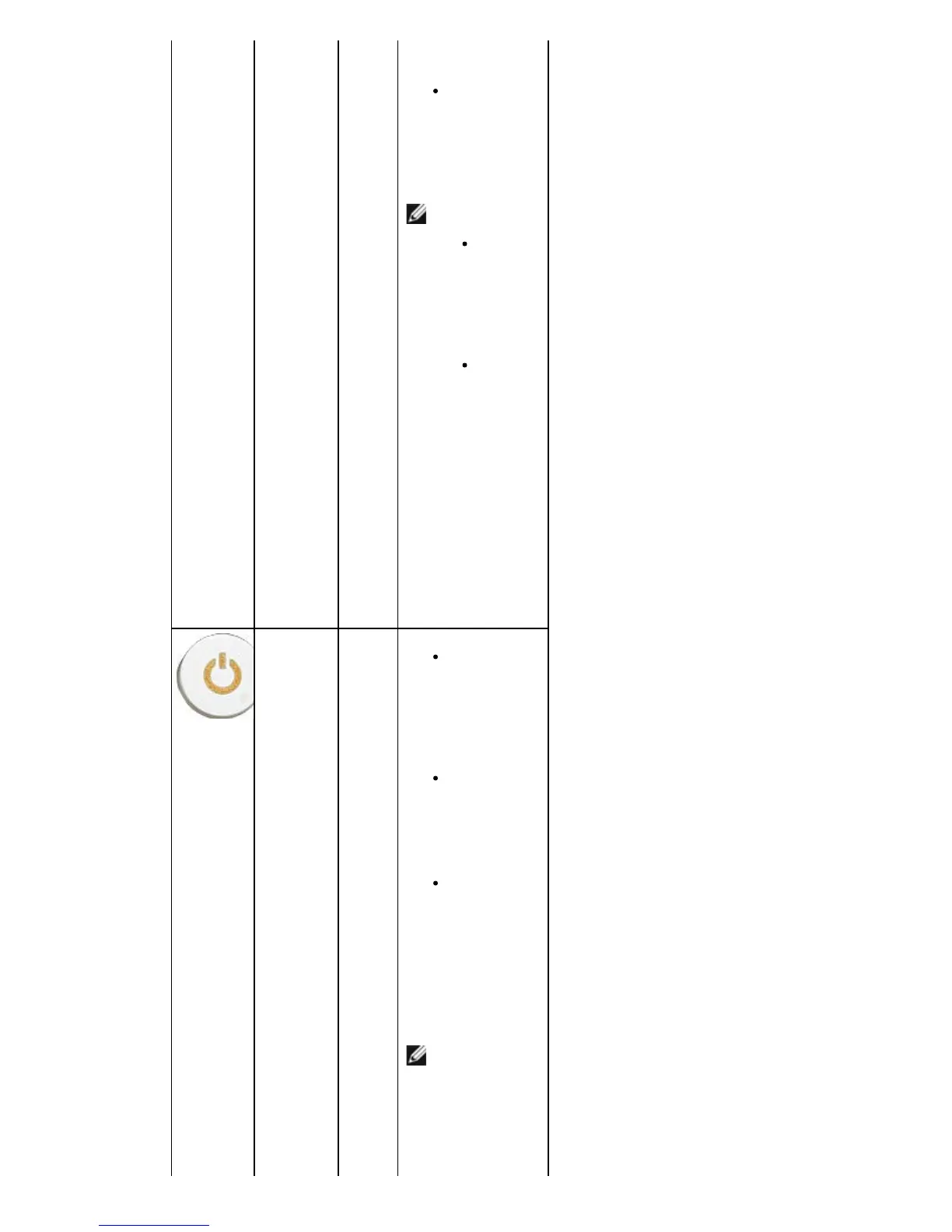
Steady
Amber
Syste
m is in
standb
y or
this is
a
syste
m
fault
error
conditi
on,
includi
ng the
power
supply
. Only
the +5
VSB
rail on
the
power
supply
is
workin
g
correct
ly.
Press the
power
button to
bring the
system out
of standby
mode.
Ensure all
power cables
are securely
connected to
the system
board.
Ensure the
main power
cable and
front panel
cable are
securely
connected to
the system
board.

Table of Contents

Other manuals for Dell Vostro 460

Related product manuals