EasyManua.ls Logo

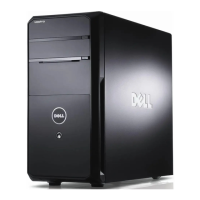
Dell Vostro 460 - Power Lights

Dell Vostro 460
103 pages
Print Icon
To Next Page IconTo Next Page
To Previous Page IconTo Previous Page
Loading...
Back to Contents Page
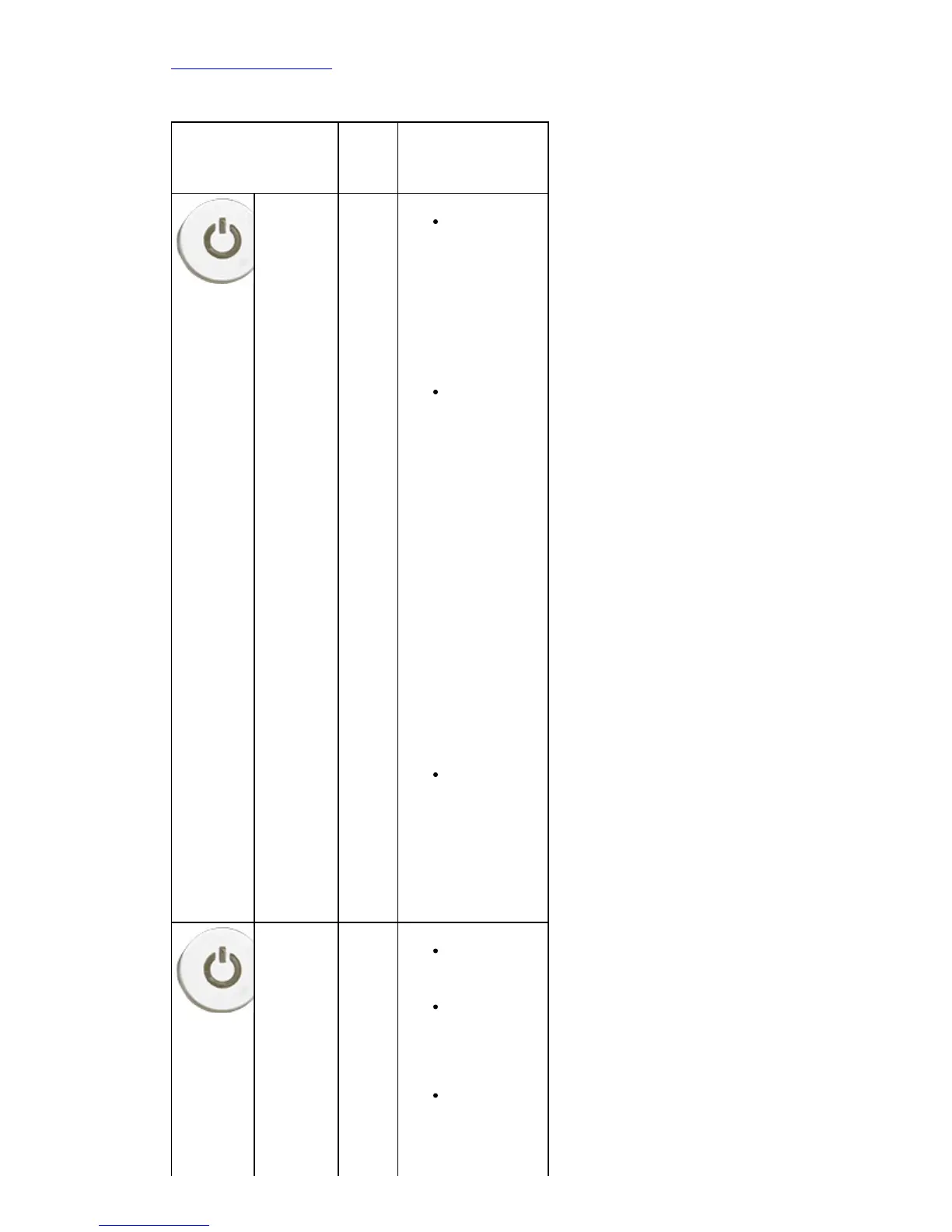
Power Lights
Power Button
Status
Cause Troubleshooting
Steps
OFF The
compu
ter is
either
turned
off or
is not
receivi
ng
power.
Reseat the
power cable
in the power
connector on
the back of
the
computer
and the
electrical
outlet.
If the
computer is
plugged into
a power
strip, ensure
the power
strip is
plugged into
an electrical
outlet and is
turned on.
Also, bypass
power
protection
devices,
power strips,
and power
extension
cables to
verify the
computer
turns on
properly.
Ensure the
electrical
outlet is
working by
testing it
with another
device, such
as a lamp.
Blinking
Amber
Syste
m fails
to
compl
ete
POST.
Proces
sor
failure
Remove and
then reinstall
any cards.
Remove and
then reinstall
the graphics
card, if
applicable.
Ensure the 4
Pin ATX
Power
Connector is
connected to

Table of Contents

Other manuals for Dell Vostro 460

Related product manuals