10
Back to Contents Page
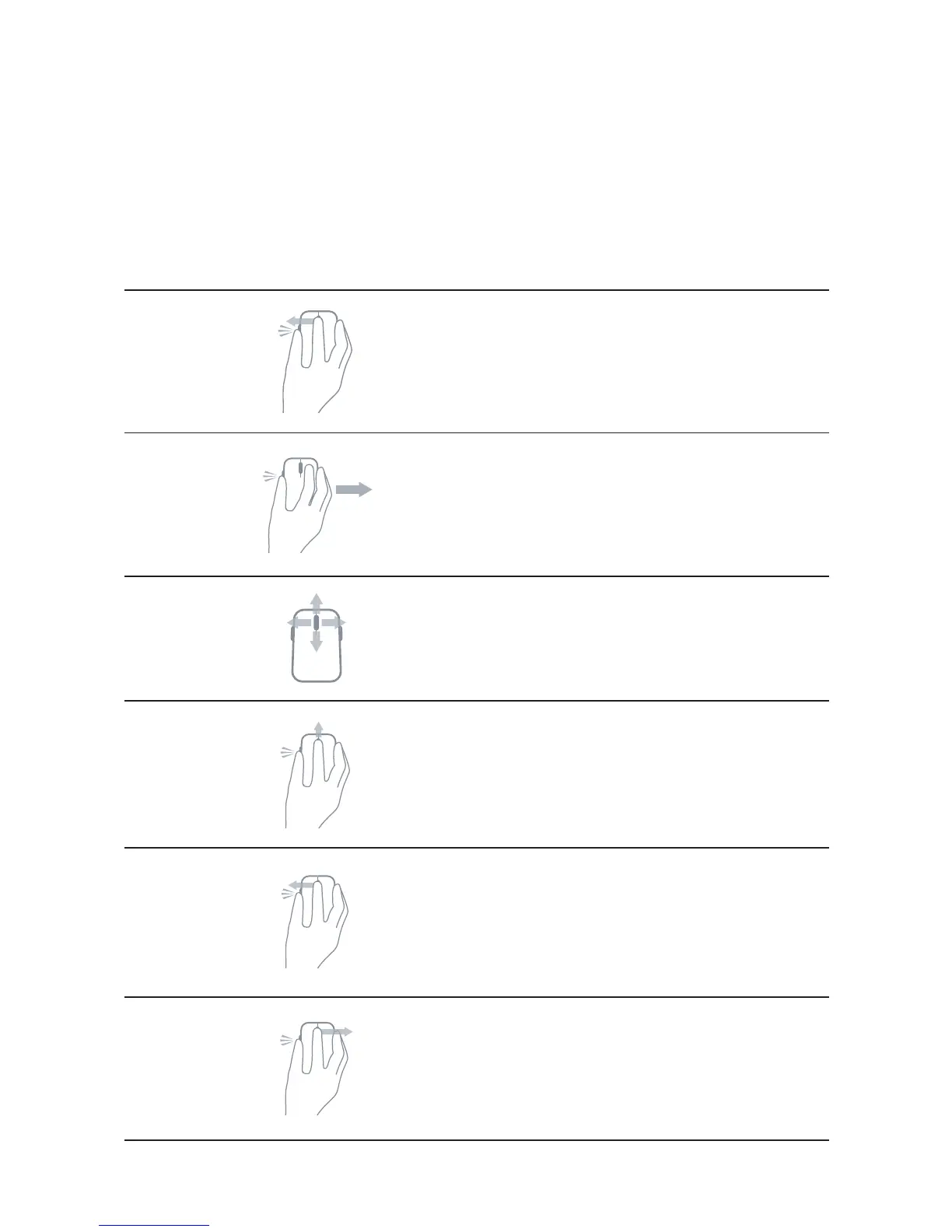
Shortcut Gestures
Scroll
Press and hold side button, and slide
the mouse towards left.
(Windows 8 and 8.1 only)
App switch
Press and hold side button, and slide
the mouse towards right.
(Windows 8 and 8.1 only)
Scroll and pan
4-way scroll
(Windows 7, 8, 8.1, 10)
Zoom in/out
Press and hold side button, and
scroll wheel up or down.
(Windows 7, 8, 8.1, 10)
Back
Press and hold side button,
and tilt wheel towards left.
(Windows 7, 8, 8.1, 10)
Forward
Press and hold side button, and tilt
wheel towards right.
(Windows 7, 8, 8.1, 10)


 To Next Page