6
Back to Contents Page
Dell Universal Receiver Feature for Windows
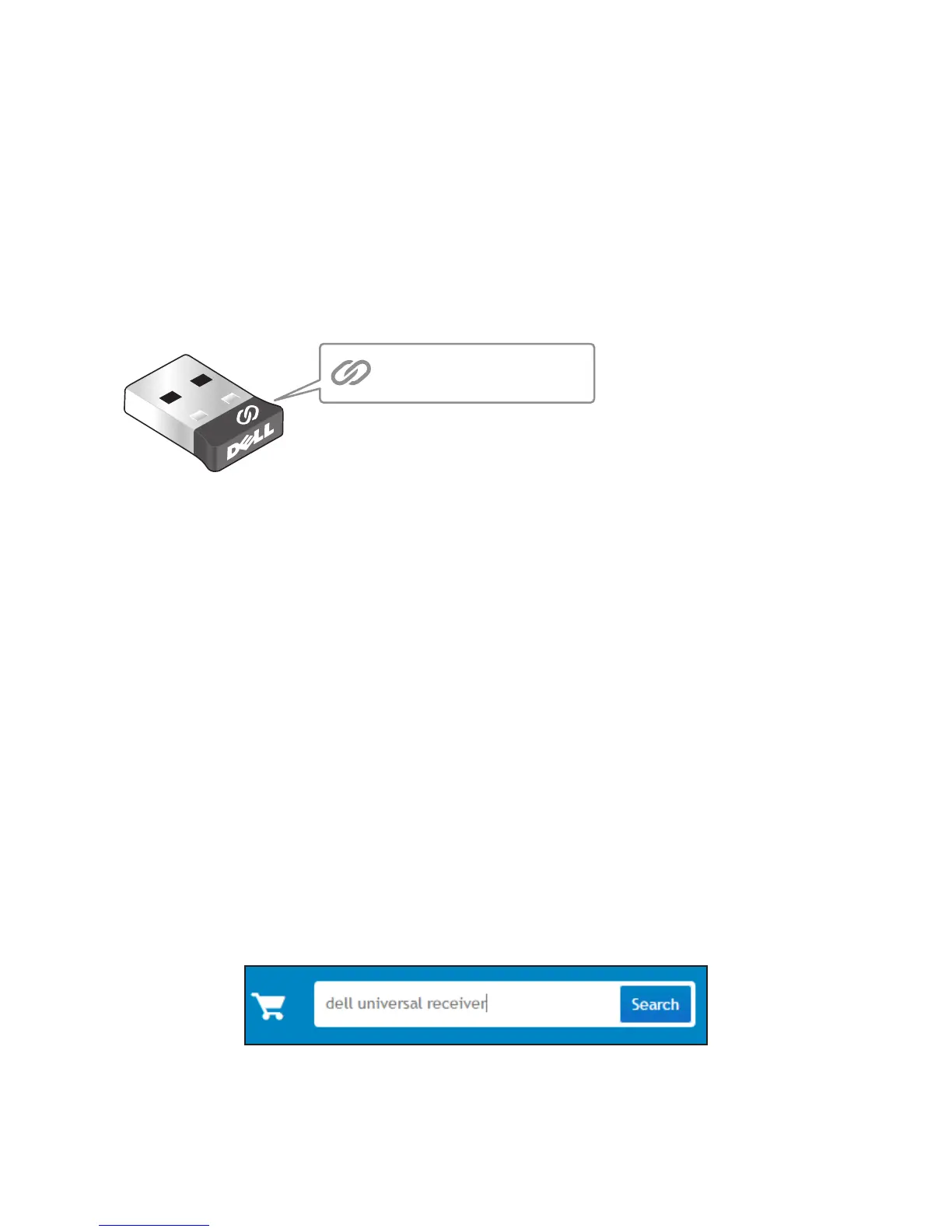
Dell Universal Receiver
The Dell Universal Receiver allows up to six Dell Universal compatible
wireless devices to be added to the receiver.
Dell Universal Receiver Control Panel
You can add Dell Universal compatible wireless devices to the receiver
using Dell Universal Receiver Control Panel.
Installing Dell Universal Receiver Control Panel
To install Dell Universal Control Panel:
1. Turn on the computer.
2. Open the web browser and navigate to www.dell.com/support.
3. Type in the Search bar “dell universal receiver”. Then click Search.
4. Download and install the Dell Universal Receiver software in your
system.


 To Next Page