ContactStart Technical PrintModels Features
Introducing the Dell Wyse C class zero clients cont.
All round benefits. For your students,
administrators and you.
• More desktops, for more students: Up to 20 students are able to access
a single host server running Windows Multipoint Server 2011 with no
drop in their learning experience
• Easy to use and add students: As a teacher you’ll appreciate the simple
plug-n-play nature of Dell Wyse E class zero clients. For additional
desktops all you do is plug one into the server, and your students can
login and be ready to learn in seconds
• Lower operational costs: Schools only need to service and support
one host server per 20-seat workgroup
*
. And, combined with the easy
set-up and management that’s built into Windows MultiPoint Server
2011, student desktop down-time and support issues are all significantly
reduced too
• Energy-efficient desktops: As Dell Wyse E class zero clients draw a
fraction of the power required to power full PC desktops, they’ll have a
dramatic effect on your energy budget as well helping to reduce your
carbon footprint too
* 20-seat workgroup is dependant on the configuration of the server.
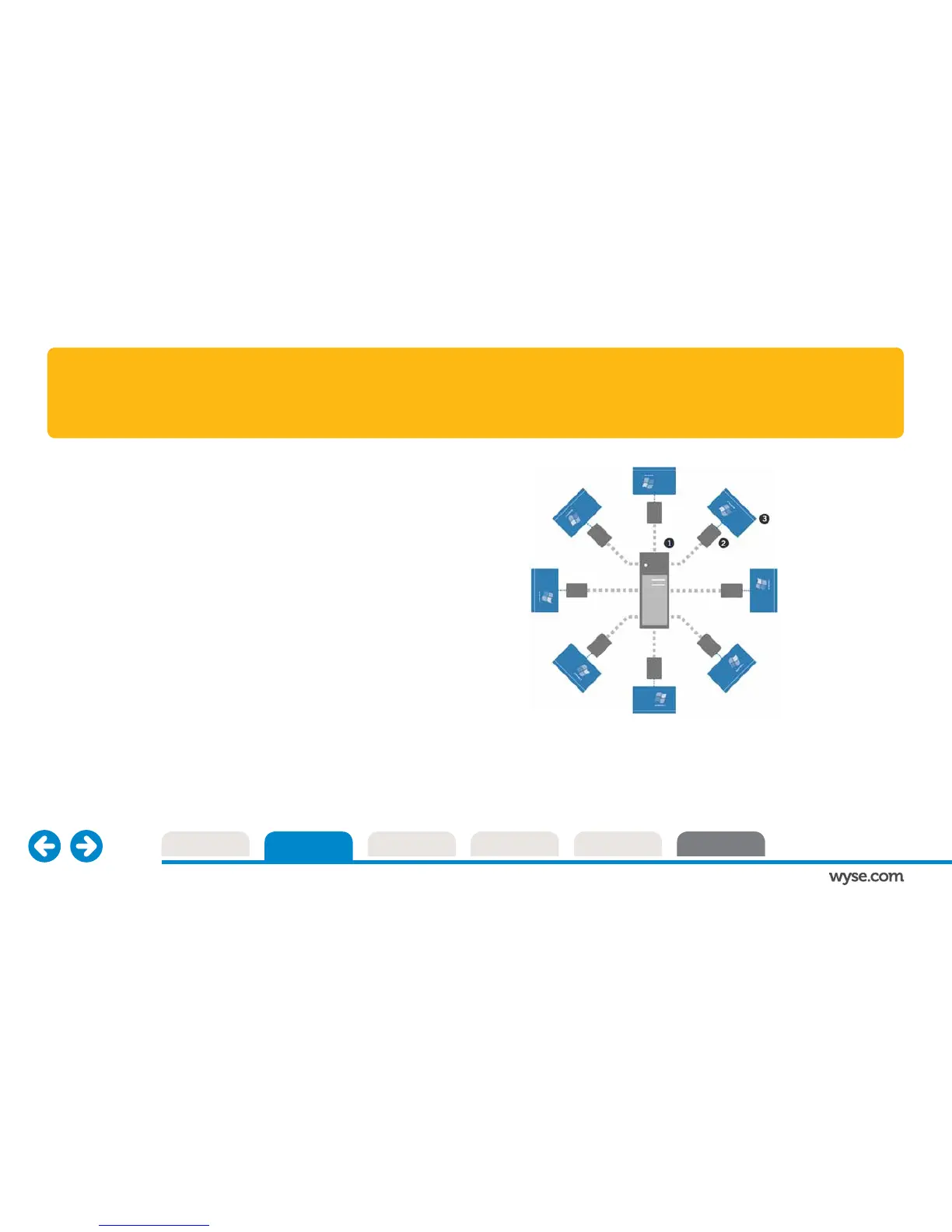
One Windows Multipoint server shares its operating system and
applications with up to 20 users at a time
Features Dell Wyse E class zero clients, one per desktop and each
one linked by a USB or Ethernet cable
Low cost, fast and simple to set up delivery of Windows desktops



 To Next Page