8
This is a household appliance only.
It is not intended to be used in:
other working environments;
residential type environments;
Any other use is considered improper and thus dangerous.
The manufacturer is not liable for damage deriving from im-
proper use of the appliance.
Instruction for Use
Read these instructions carefully before using the appliance.
Failure to respect these instructions may result in burns or dam-
age to the appliance.
The manufacturer is not liable for damage deriving from failure
to respect this Instruction for Use.
Please note:
Keep this Instruction for Use.
If the appliance is passed to other persons, they must also be
provided with this Instruction for Use.
DESCRIPTION
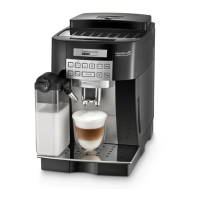
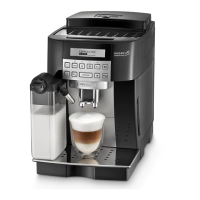
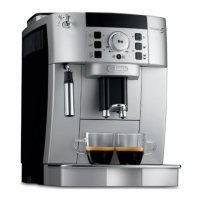
Description of the appliance
(page 3 - A )
A1. Control panel
A2. Grinding adjustment dial
A3. Cup shelf
A5. Pre-ground coee funnel lid
A6. Pre-ground coee funnel
A8. Main switch
A9. Socket for power cable connector
A10. Water tank
A11. Infuser door
A12. Infuser
A13. Coee spout (adjustable height)
A14. Coee grounds container
A15. Condensate tray
A16. Cup tray
A17. Drip tray water level indicator
A18. Drip tray
A19. Hot water and steam connection nozzle
Description of the control panel
A number of buttons on the panel have a double function. This is
indicated in brackets in the description.
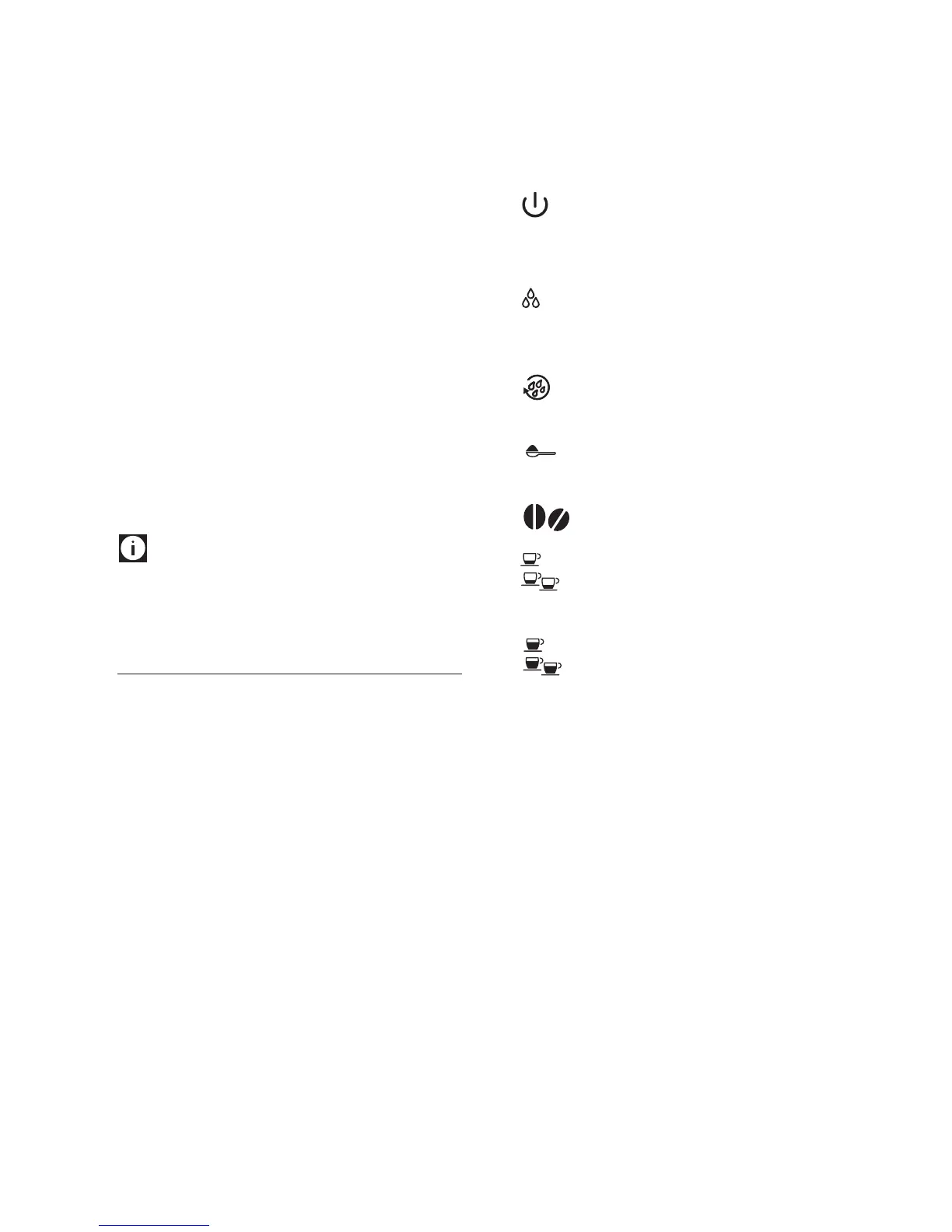
button: turns the appliance on and o.
MENU button to access the menu. (When in the settings
MENU, it acts as the “ESC” button to exit from the selected
function and go back to the main menu).
button: to deliver steam to make cappuccino and
milk-based drinks.
(When in the settings MENU this button functions as a <
button to go scroll back).
button: to perform a rinse cycle.
(When in the settings MENU this button functions as a >
button to scroll forward).
button : to make coee using pre-ground coee.
(When in the settings MENU this button functions as an OK
button to conrm the selection made).
aroma selection button: press to select coee
taste.
button : to make 1 cup of short espresso coee.
button : to make 2 cups of short espresso coee.
CAPPUCCINO button: to prepare 1 cup of cappuccino or
frothed milk.
button : to make 1 cup of long espresso coee.
button : to make 2 cups of long espresso coee.
Description of the accessories
(page 2 - C )
C1. Power cable
C2. Measure
C3. Cleaning brush
C4. Hot water spout
C5. Water softener lter (certain models only)
C6. “Total Hardness Test” indicator paper
C7. Descaler
Description of milk container
(page 3 - D )
D1. Froth adjustment dial
D2. Milk container lid
D3. Frothed milk spout (adjustable)
D4. Milk container
D5. Milk intake tube





 To Next Page