Cleaning and Maintenance
Cleaning
Dampen a clean cloth with water and •
use on the exterior of the unit to remove
any dust or dirt.
Never use detergents, corrosive •
elements, solvents or any chemicals to
clean this product.
When not in use, store the appliance in •
a dry location out of the sunlight.
Filter / Fan
For best results, allow the pad •
to dry after each use by turning
off the pump 15 minutes before
turning off the
blower / fan motor.
TIP: Regular draining (once a week during
use) will decrease the water mineral build
up and extend the life of the filter / pad.
Damp a cloth with water and wipe away
any water mineral deposits that appear
inside or outside the appliance to extend
the serviceable life and clean appearance
of the appliance.
Lubrication
The blower / fan, pump and louver •
oscillation motors DO NOT require any
lubrication.
Water Tank
To clean the water tank:
Move the appliance to a location where •
the water can be drained.
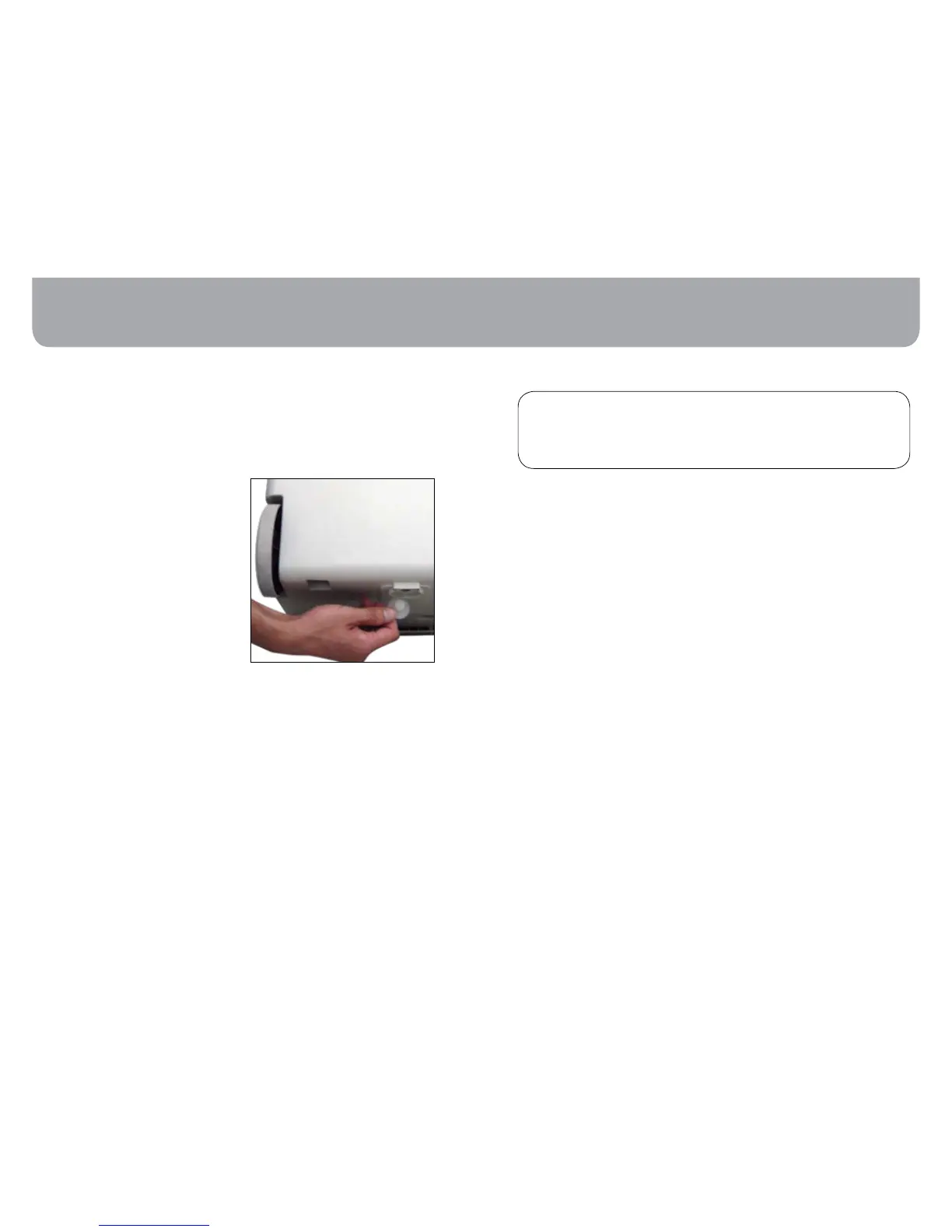
•
Remove the drain plug located at the
bottom of the unit
.
Once the water tank is empty, replace •
the drain plug, refill the unit and drain
it again.
Repeat this cleaning weekly to reduce •
water mineral build up.
Replace the drain plug, refill with fresh •
water through the side water fill door
and your cooler is ready for use.
08 09
WARNING
UNPLUG AND DISCONNECT THE COOLER FROM
THE POWER SOURCE BEFORE ATTEMPTING ANY
MAINTENANCE OR SERVICE.
Operation
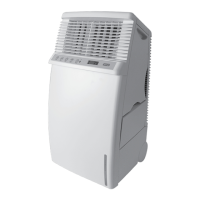
This unit can be operated by the •
controls on the control panel or with the
remote control.
Remove the plug from the electrical •
socket.
Fill the water tank with water through •
“water in-let compartment” on the
side panel, until water level above the
‘minimum water level mark’.
Press • POWER button to turn the unit
on. The fan will start at MEDIUM speed
and after a few seconds it will switch to
LOW speed.
Press the • SPEED button to increase or
decrease the speed.
Press the • COOL button to select
COOL mode.
Press the • SWEEP button to select auto
SWEEP mode.
Press the • TIMER button to select
TIMER function (0.5 – 8 hours timer).
To turn the product • OFF, press the
POWER button again. If you do not
intend to use the product again for
some time, empty the water tank.
To empty the water tank, turn the unit •
off using the POWER button. Unplug
the unit from the power outlet. Remove
the drain cap from the drain and allow
the water to drain out.
Timer Operation
• The TIMER can be used to switch the
product off after a selected number of
hours.
Turn the unit on.•
Select the desired operating mode, •
speed, etc.
Press the • TIMER button once and the
product will switch off after 0.5 hour.
Press the button again for 1 hour, again
for 1.5 hours etc. The maximum timer
setting is 8 hours.
To cancel the Timer setting, press the •
TIMER button again.
Using your Evaporative Cooler
Remove drain cap




 To Next Page