EasyManua.ls Logo

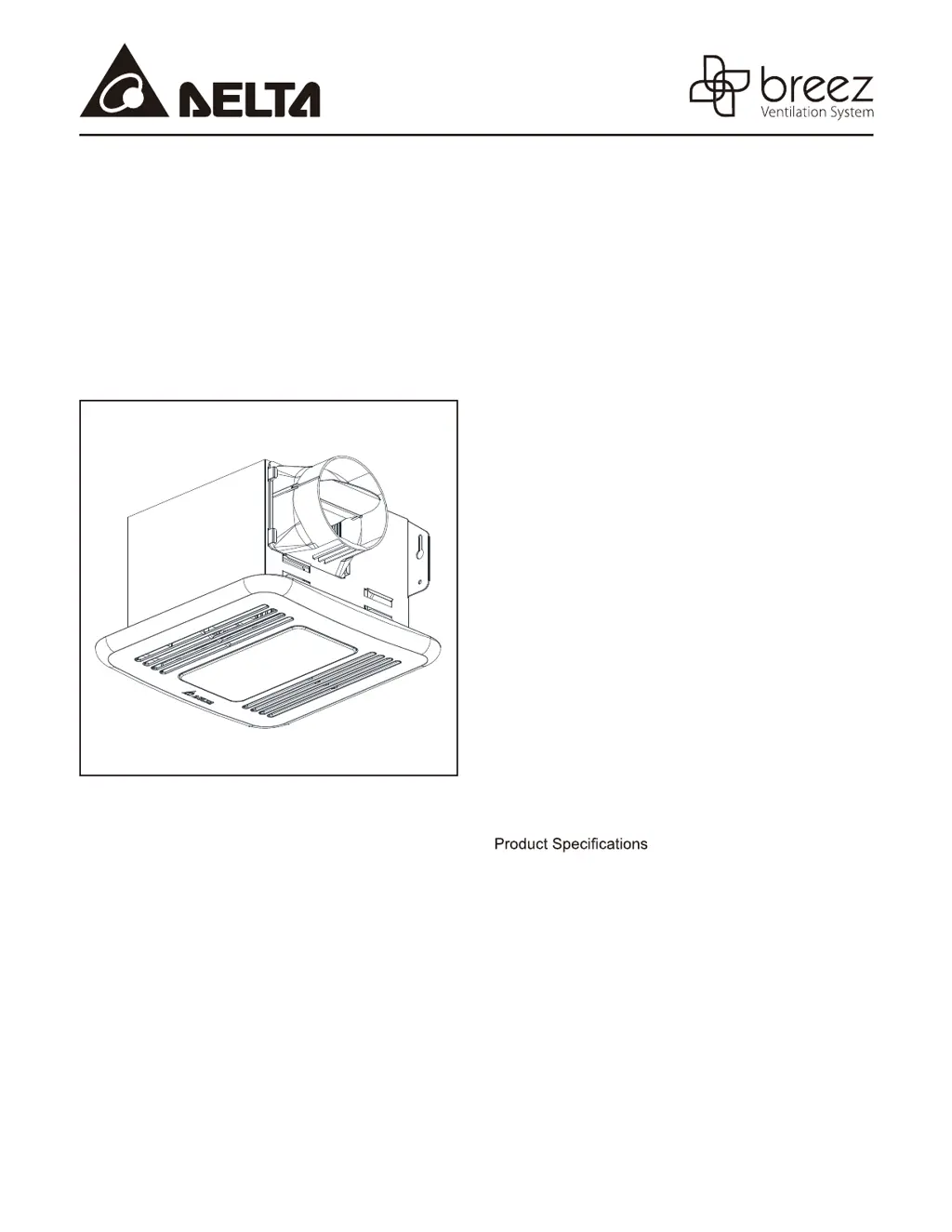
DELTA BREEZ ITG50LED - User Manual

DELTA BREEZ ITG50LED
12 pages
Print Icon
To Next Page IconTo Next Page
Loading...
READ AND SAVE THESE INSTRUCTIONS
Address: 46101 Fremont Boulevard, Fremont, CA 94538
US Toll Free Number: 1-888-979-9889
www.deltabreez.com
TABLE OF CONTENTS
Package Contents 2
General Safety Information 3
Preparation 4
Assembly Instructions 5
New Construction 5
Existing Construction 6
Grille Installation 8
Operation 8
Care and Maintenance 9
Troubleshooting 10
Dimensions 11
11
Warranty 12
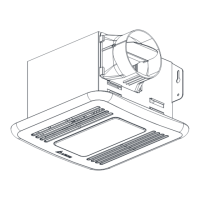
VENTILATION
FAN / LED LIGHT
MODEL ITG50LED/ITG80LED

Questions and Answers

  • K
    Kristine ArnoldJul 29, 2025
    How to improve airflow of DELTA BREEZ Fan?
    • J
      jonescharlesJul 30, 2025
      If your DELTA BREEZ Fan is not clearing the room effectively, make sure a door or window is slightly ajar or opened to improve airflow within the room. Also, be sure the CFM rating on the fan matches the requirements for your room size.
  • R
    Robert KelleyAug 7, 2025
    Why is my DELTA BREEZ ITG50LED not turning on?
    • L
      Lauren CherryAug 7, 2025
      Your DELTA BREEZ Fan might not be turning on due to several reasons. First, ensure that the power supply is on. If the power is on, the switch might be faulty, so test or replace it. Also, check the wire connections in the switch box to ensure they are properly connected.
  • J
    Jessica WilkersonAug 14, 2025
    Why is DELTA BREEZ ITG50LED Fan so loud?
    • D
      dawnmorrisAug 14, 2025
      There are several reasons why your DELTA BREEZ Fan might be louder than it should be: * The CFM rating might be too great for the room size, so ensure it matches. * The damper may not be working properly or is damaged, so check that it opens and closes correctly. * A bend in the duct might be too close to the fan discharge; ensure there are no sharp bends closer than 18 inches. * The fan discharge duct might not be the recommended size; using the recommended size ducting can reduce fan noise. * The fan body might not be securely attached to the ceiling joists; ensure it is securely attached.
  • B
    brooksterriAug 22, 2025
    What to do if DELTA BREEZ Fan light is not turning on?
    • M
      Mary GrayAug 22, 2025
      If the light on your DELTA BREEZ Fan is not turning on, there are a few potential causes. First, make sure the power supply is on. If the power is on, the switch might be faulty, so test or replace it. Additionally, check the wire connections in the switch box to ensure they are properly connected.

Summary

Package Contents

General Safety Information

Preparation

Assembly Instructions

New Construction

Step-by-step guide for installing the fan in new building structures.

Existing Construction

Instructions for installing the fan in pre-existing structures or replacing an old fan.

Grille Installation

Operation

Care and Maintenance

Troubleshooting

Dimensions

Product Specifications

Warranty

DELTA BREEZ ITG50LED Specifications

General IconGeneral
ModelITG50LED
CategoryFan
Airflow50 CFM
Airflow at 0.1" SP50 CFM
Noise Level0.3 Sones
Supply Voltage120V
Supply Frequency60 Hz
Duct Diameter4 inches
ENERGY STAR CertifiedYes
HVI CertifiedYes
UL ListedYes
Warranty3 Years
ColorWhite
Mounting TypeCeiling
LED LightingYes
LED Color Temperature3000K
Weight3.5 lbs
Housing MaterialPlastic

Related product manuals