EasyManua.ls Logo

DELTA BREEZ PRO Series - User Manual

DELTA BREEZ PRO Series
10 pages
Print Icon
To Next Page IconTo Next Page
Loading...
READ AND SAVE THESE INSTRUCTIONS
Address: 46101 Fremont Boulevard, Fremont, CA 94538
US Toll Free Number: 1-888-979-9889
www.deltabreez.com
TABLE OF CONTENTS
Package Contents 2
General Safety Information 3
Preparation and Wiring Diagrams 4
Assembly Instructions 5
Grille Installation 6
Operation 6
Care and Maintenance 7
Troubleshooting 8
Dimensions 9
9
Warranty 10
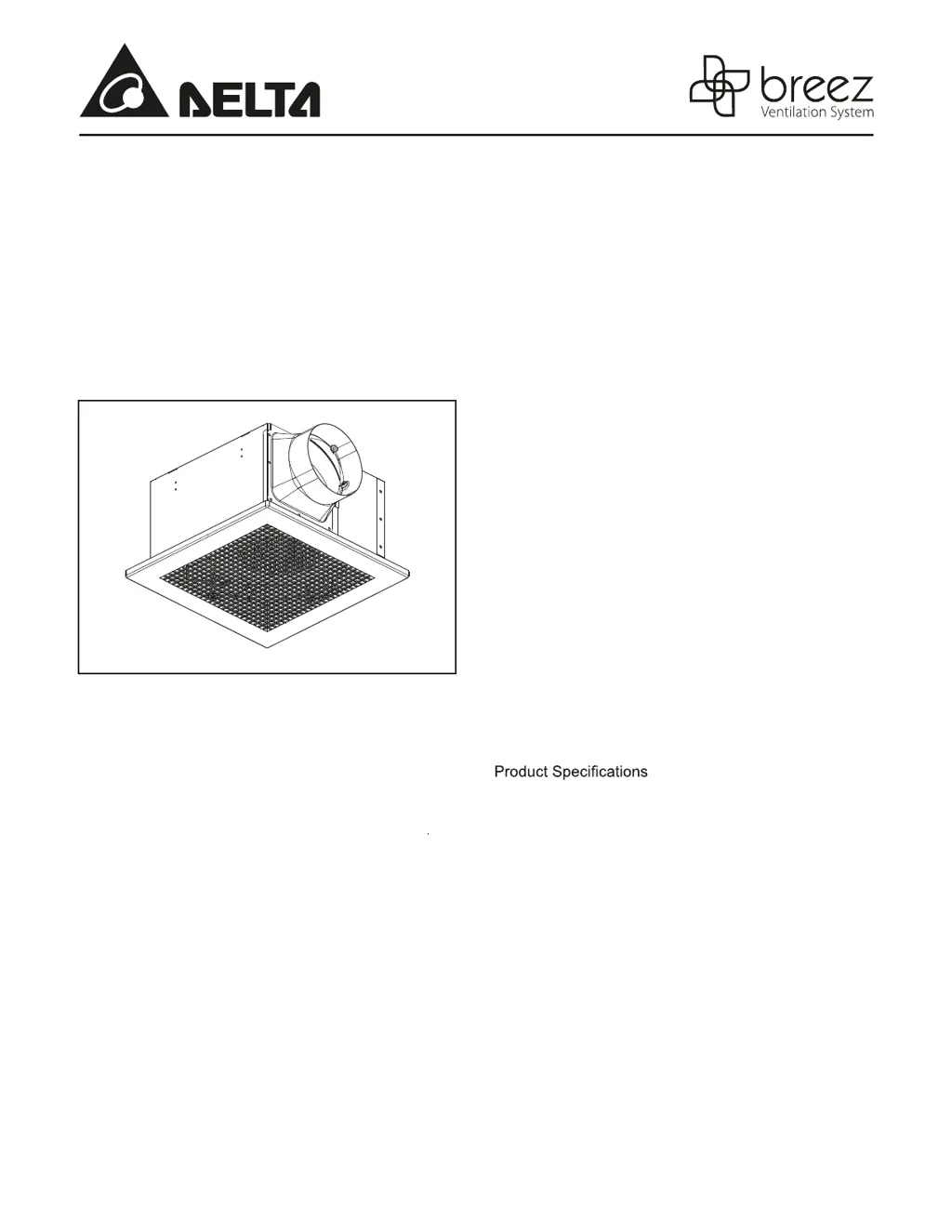
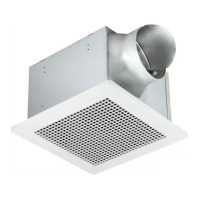
VENTILATION FAN
MODEL Pro200/Pro300

Questions and Answers

  • S
    Steven LiuJul 29, 2025
    How to improve airflow with DELTA BREEZ PRO Fan?
    • J
      Jennifer HuffmanJul 30, 2025
      If your DELTA BREEZ Fan isn't effectively clearing the room, ensure that a door or window is slightly ajar or opened to allow for proper airflow within the room. Also, verify that the CFM rating of the fan matches the requirements for your room size.
  • C
    Charles WilsonAug 8, 2025
    Why is my DELTA BREEZ Fan so loud?
    • R
      robertssusanAug 9, 2025
      If your DELTA BREEZ Fan seems louder than expected, several factors could be the cause. First, ensure the CFM rating of the fan is appropriate for the room size. A damper that is not working properly or is damaged can also increase noise; check its operation and contact Customer Service if damaged. Sharp bends in the duct close to the fan discharge (less than 18 inches) can also contribute to the noise. Using the recommended ducting size is important to reduce fan noise. Finally, make sure the fan body is securely attached to the ceiling joists.
  • O
    Oscar AdamsAug 19, 2025
    What to do if DELTA BREEZ PRO Fan is not turning on?
    • D
      Daniel StephensAug 19, 2025
      If your DELTA BREEZ Fan isn't turning on, there are a few things to check. First, ensure that the power supply to the fan is switched on. If the power is on, the switch might be faulty; test it and replace if necessary. Lastly, examine the wire connections in the switch box to ensure they are properly connected.

Summary

Package Contents Overview

General Safety Information and Precautions

Safety Warnings

Critical safety warnings regarding fire, electric shock, and injury to persons.

Safety Cautions

Important cautions for general ventilation use, hazardous materials, and installation height.

Preparation and Wiring Diagrams

Wiring Connection Guide

Instructions for connecting the fan's wiring according to electrical codes and diagrams.

Assembly Instructions and Procedures

Wooden Header Mounting

Details on installing a wooden header between ceiling joists for fan mounting.

Duct Connection and Airflow Setup

Steps for connecting and installing the ductwork to the fan connector for proper airflow.

Grille Installation Guide

Fan Operation Instructions

Care and Maintenance Procedures

Troubleshooting Common Issues

Troubleshooting: Fan Not Turning On

Troubleshooting steps for when the ventilation fan fails to power on.

Troubleshooting: Fan Noise

Diagnosing and resolving excessive noise from the ventilation fan.

Troubleshooting: Insufficient Airflow

Addressing issues where the fan is not effectively clearing air from the room.

Product Dimensions and Measurements

Product Specifications and Performance Data

Product Warranty Information

DELTA BREEZ PRO Series Specifications

General IconGeneral
BrandDELTA BREEZ
ModelPRO Series
CategoryFan
LanguageEnglish

Related product manuals