Delta Controls
Document Edition 1.6
Page 5 of 10
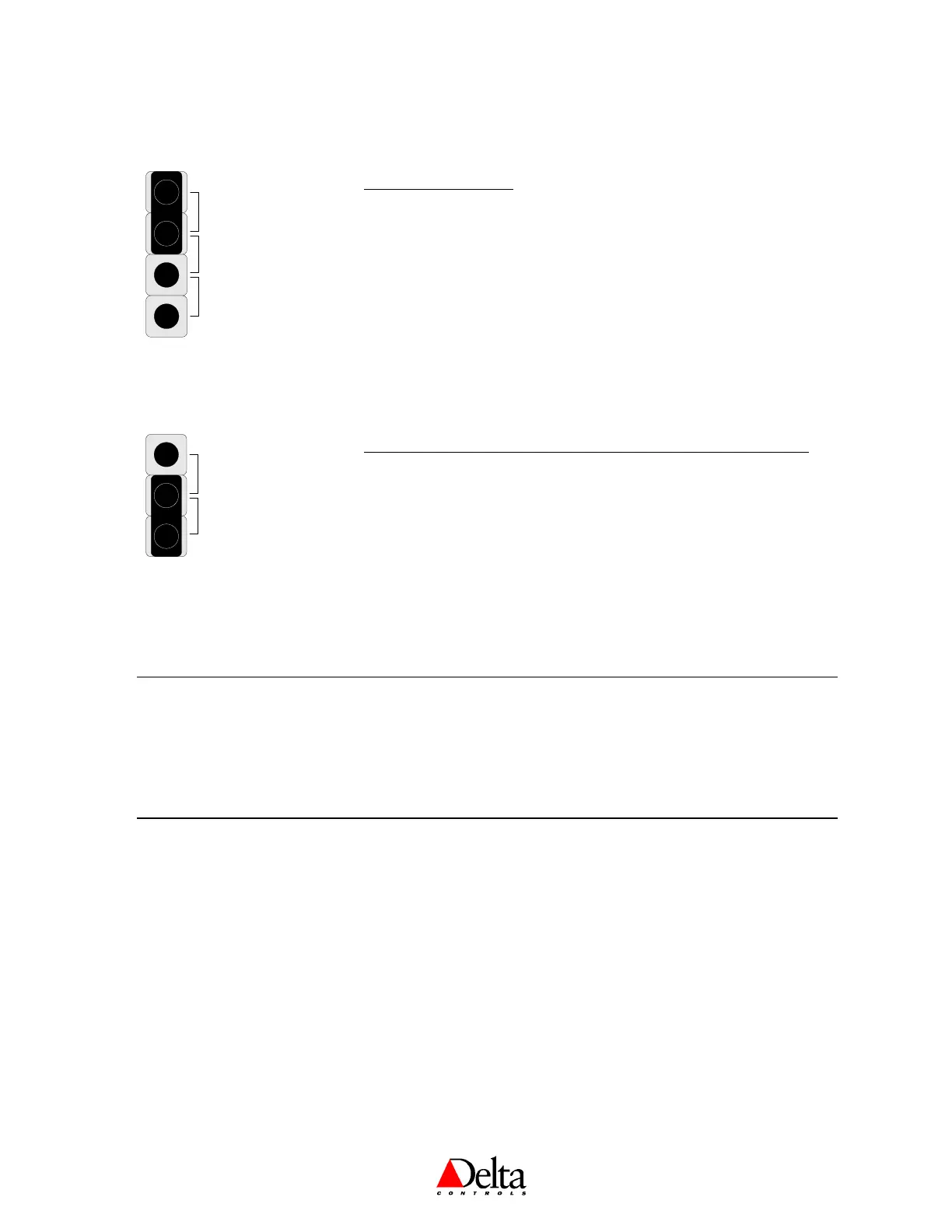
Jumpers
10K
5V
10V
INPUT SIGNAL TYPE
The input type is selected by placing the jumper in the correct location on
the Input Type Selector Block. The diagram to the left shows the factory
default selection of 10 KΩ.
10K For 10 KΩ Thermistor temperature sensors, as well as Binary
or Dry Contact inputs.
5V For sensors and other field devices that use a 5 VDC signal.
10V For sensors and other field devices that use a 10 VDC signal.
INTERNAL
EXTERNAL
INPUT CONNECTION SELECTOR – DNT-T103X MODELS ONLY
This jumper is used to select whether the internal Thermistor sensor or a
remotely located Thermistor is connected to IP1. The diagram to the left
shows the factory default selection of the Internal 10 KΩ Thermistor.
External For connecting a remotely located 10 KΩ Thermistor
temperature sensor to IP1, which is wired to the connection
terminals provided.
Internal For connecting the internal 10 KΩ Thermistor temperature
sensor to IP1.
Mounting
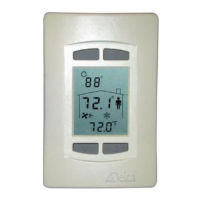
The BACstat II backplate is designed for mounting directly on standard North American, European or
Australian electrical boxes.


 To Next Page