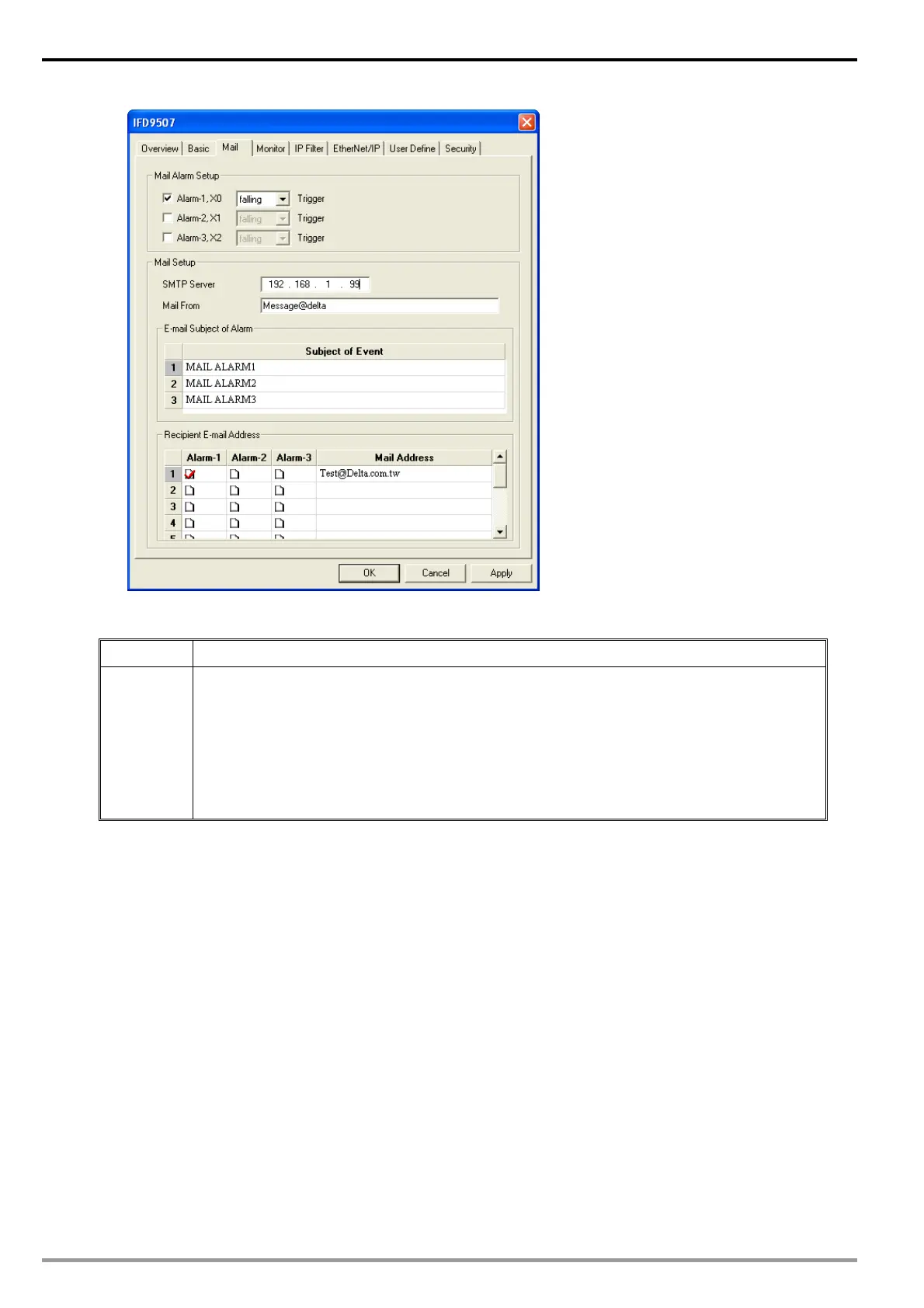
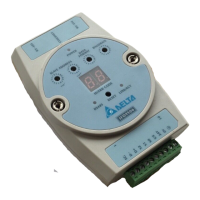
Ethernet Communication Module IFD9507
DVP-PLC Application Manual
54
12.5 Monitoring Mode
Application Writing the address of the device to be monitored into the monitor table.
Steps (1) Use monitor bit and monitor word functions.
(2) Monitor bit data in station address 1, H100 and H300, and word data in station address
1 H150.
(3) Monitor bit data in station address 2, H200.
(4) Monitor word data in station address 3, H200.
(5) Monitor word data in station address 4, H100.
(6) Monitor bit quantity: 3; monitor word quantity: 3
1. See 10.1 for how to set up communication.
2. Open IFD9507 Configuration page and switch to “Monitor” page.


 To Next Page