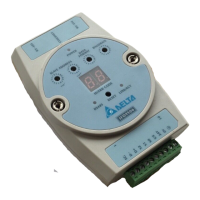
Ethernet Communication Module IFD9507
DVP-PLC Application Manual
68
6. Enter module name. Select Comm Format “Data-INT”. Enter instance “101”, Size “100”, Out Instance
“100”, Output Size “100”, Configuration Instance “6” and, Configuration Size “0” and
IP: ”192.168.1.99”.
7. Enter Requested Packet Interval ”500.0 ms” and click “OK”


 To Next Page