ENGLISH
89
KEY SIMBOLS LIT BESIDES
THE NUMBERS
FUNCTION
DESCRIPTION
P7+ = set hours
P8+ = set minutes
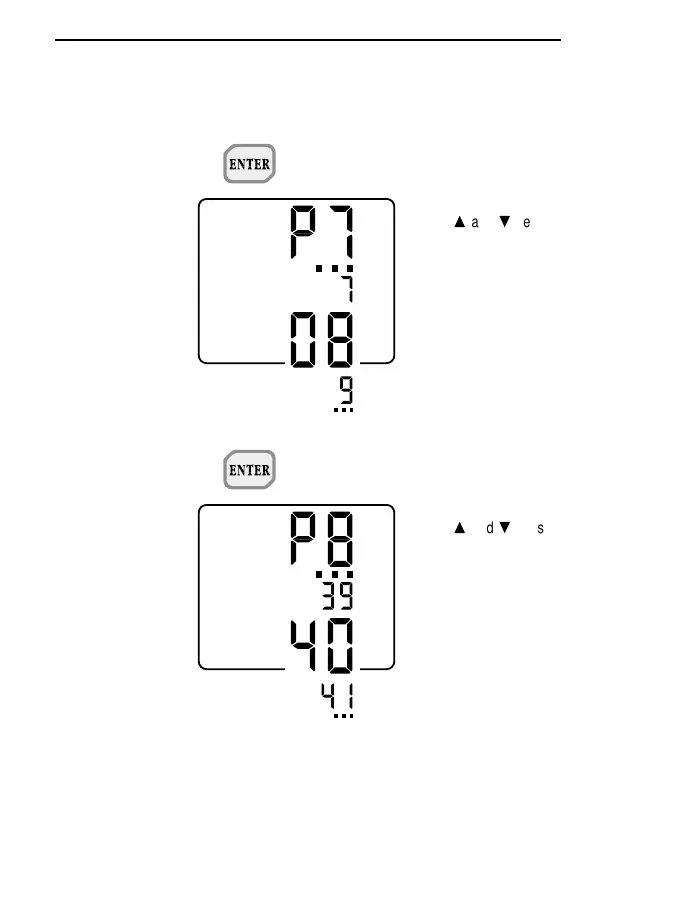
- P7 -
When ENTER is pressed with P7
on the display, the hour may be
set or changed.
The
s
and
t
keys are used to
select the desired hour.
Then press PROG to move on to
step P8 (the ENTER key is not
active).
- P8 -
When ENTER is pressed with P8
on the display, the minutes may
be set or changed.
The
s
and
t
keys are used to
select the desired minutes.
Then press ENTER to return to
normal operating mode or PROG
to move on to step P9, without
updating the internal clock.
Quitting with the ENTER key
updates the internal clock with
the date and time just set, set-
ting the seconds at zero at the
time of quitting.



 To Next Page